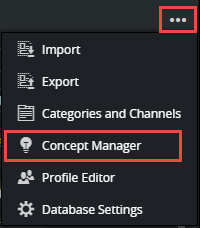
The Concept Manager is accessible by clicking the Tools button on the toolbar and selecting Concept Manager:
The Concept Manager allows you to add and delete concepts, and mark concepts as active or inactive (draft):
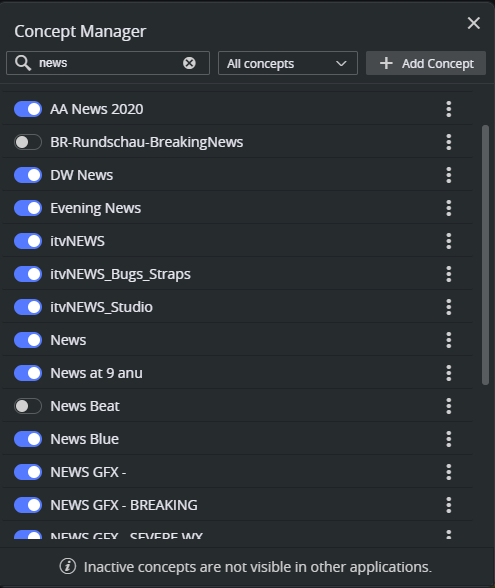
Activating and deactivating concepts is done by clicking the toggle button to the left of the concept name. Inactive concepts are not visible in Viz Pilot Edge, and the templates of this concept are also hidden from the Viz Pilot Edge user. Setting a concept as inactive allows it to remain in draft mode for Template Builder users. Once activated, it is visible to Viz Pilot Edge newsroom users.
Adding concepts can be done by clicking the Add Concept button and entering a name for the new concept. Concept names must be unique.
Deleting concepts can only be done if the concept has no templates. Click the 3 vertical dots to the right of the concept name and select Delete.