In general, it is recommended to create a Viz Pilot Edge based workflow, instead of mixing template compatibility between Viz Pilot and Viz Pilot Edge. Viz Pilot Edge includes features that are not available in Viz Pilot (for example, multiple tags on templates). Additionally, some features in Viz Pilot Edge break backward compatibility, for example, using auxiliary data through scripting. However, it should generally be possible to transition smoothly from Viz Pilot to Viz Pilot Edge by following the workflows described below.
Mixed Workflow
To use a template in both Template Wizard and Template Builder, the template must be created in Template Wizard. It behaves as a regular template with a built in old-style UI in Template Wizard and Viz Pilot Director. The template can also be opened in Template Builder, where an HTML based UI can be added to the template. As a result, the template can have two UI representations, one for classic Viz Pilot, and one for the HTML based Viz Pilot Edge workflow. The template is then automatically marked as Legacy in Template Builder.
HTML Based
If a template is created in Template Builder, by default, it is not marked as Legacy. This means the template opens in the Viz Pilot Edge HTML client when accessed from Viz Pilot Director. The template has limited functionality in Director, and can only be used to fill in data and save data elements. Neither playout nor macro commands work on this type of template.
HTML Based Legacy Template
If a template is created in Template Builder, and marked as Legacy, the template can be opened in Director in the built in window, but with no auto generated form for the graphics fields and with limited support. The template has an auto generated dummy form that does not contain any of the fields of the scene, and it cannot be saved. The macro commands and playout, work.
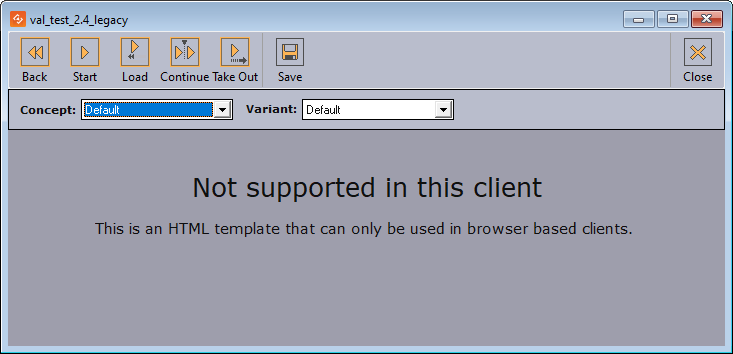
Info: It is possible to open this template in Template Wizard, remove the script and the labels with the messages, and manually add the fields of the scene. The template then behaves like the mixed workflow described above.