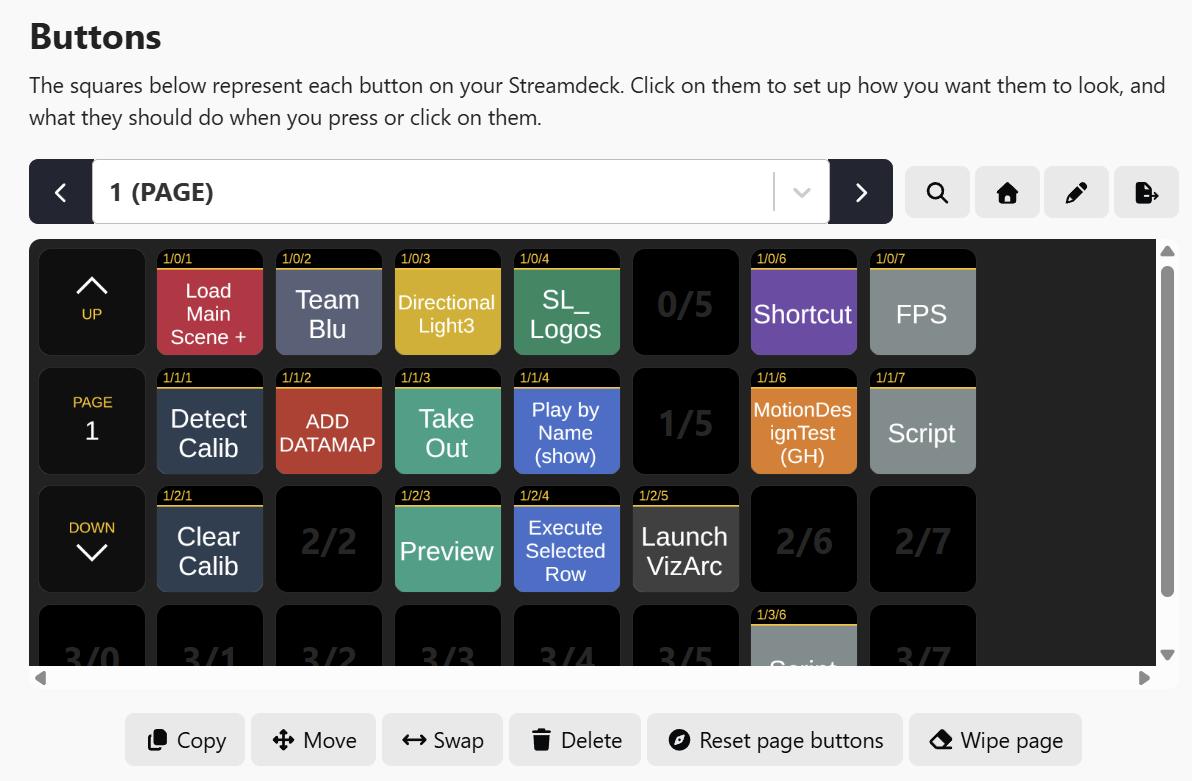
The Bitfocus Companion module allows you to trigger various Viz Arc actions and shortcuts.
Installation
To use the Companion Module, download the Bitfocus Companion software for Windows. The software does not necessarily need to be installed on the same machine as Viz Arc.
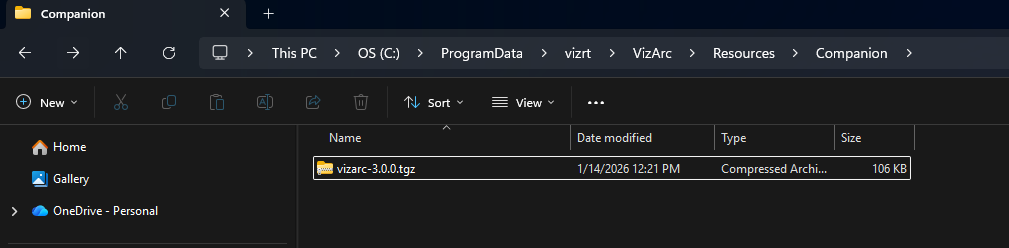
Browse for the Viz Arc module contained in the file vizarc-3.0.0.tgz, which can be found in C:\ProgramData\vizrt\VizArc\Resources\Companion after the Viz Arc installation.
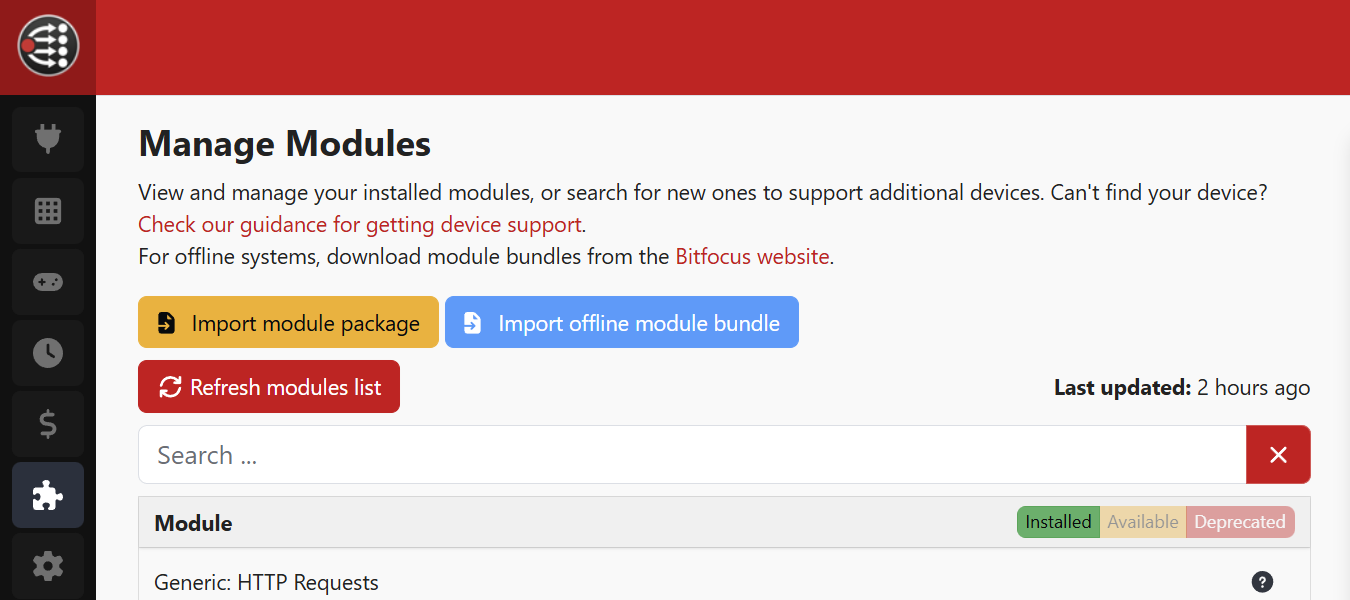
In the Bitfocus GUI, open the Modules tab and click on Import Module Package. Then import the .tgz file.
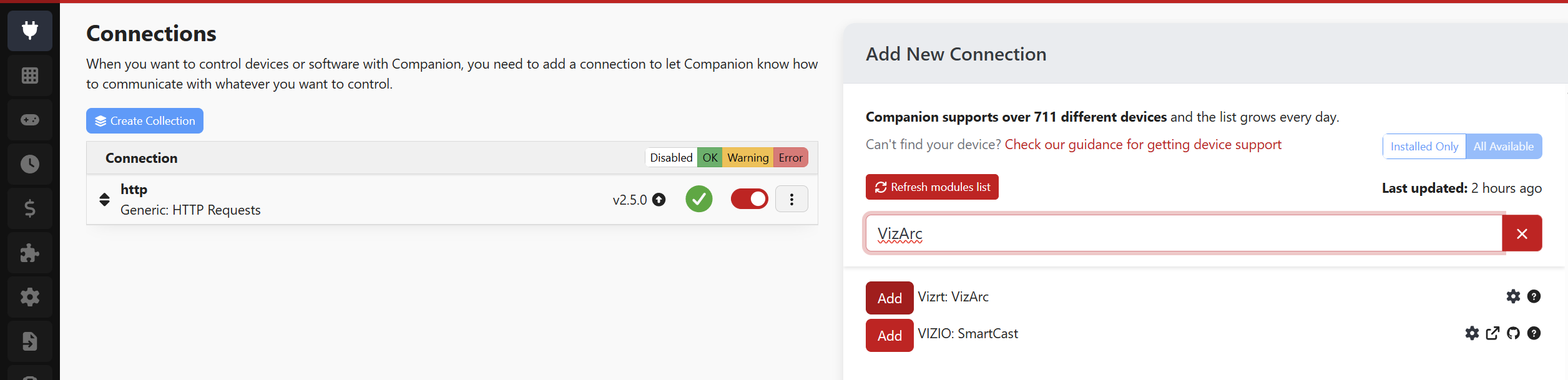
Now open the Connections tab, and search for the Vizrt: VizArc module and add it.
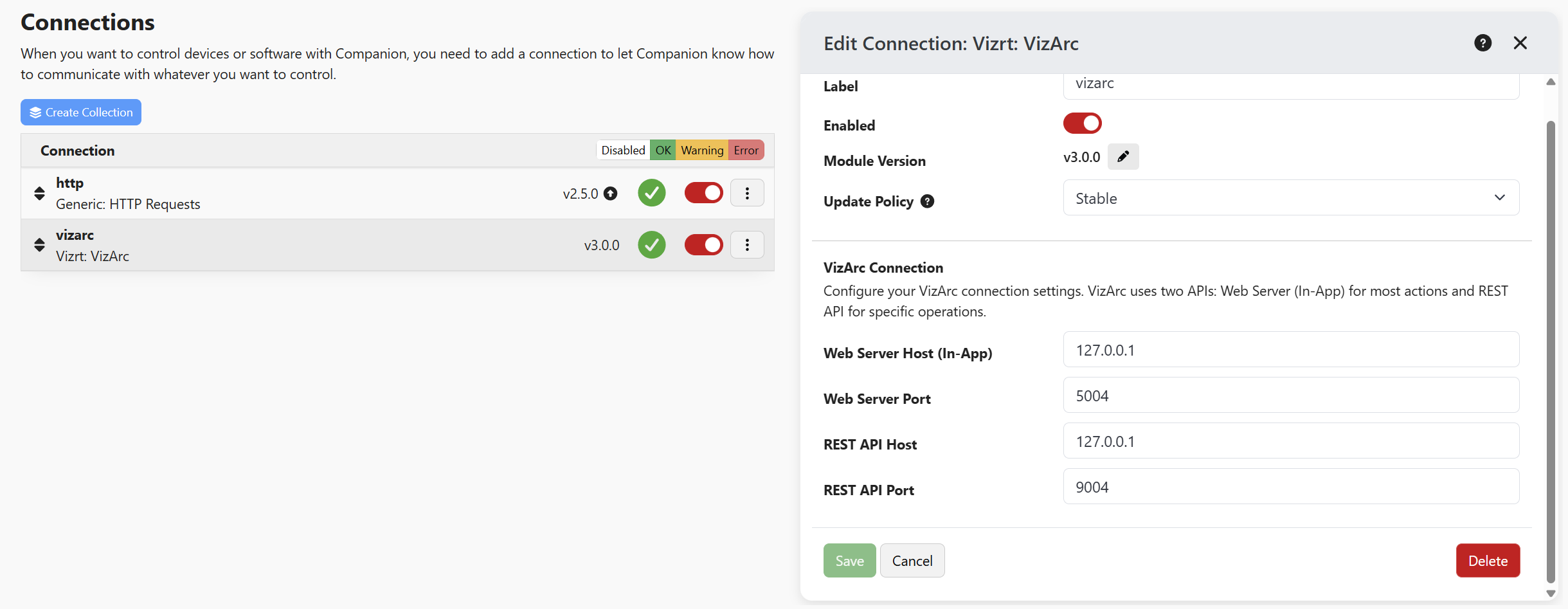
Here you can also configure In App and Rest addresses and ports.
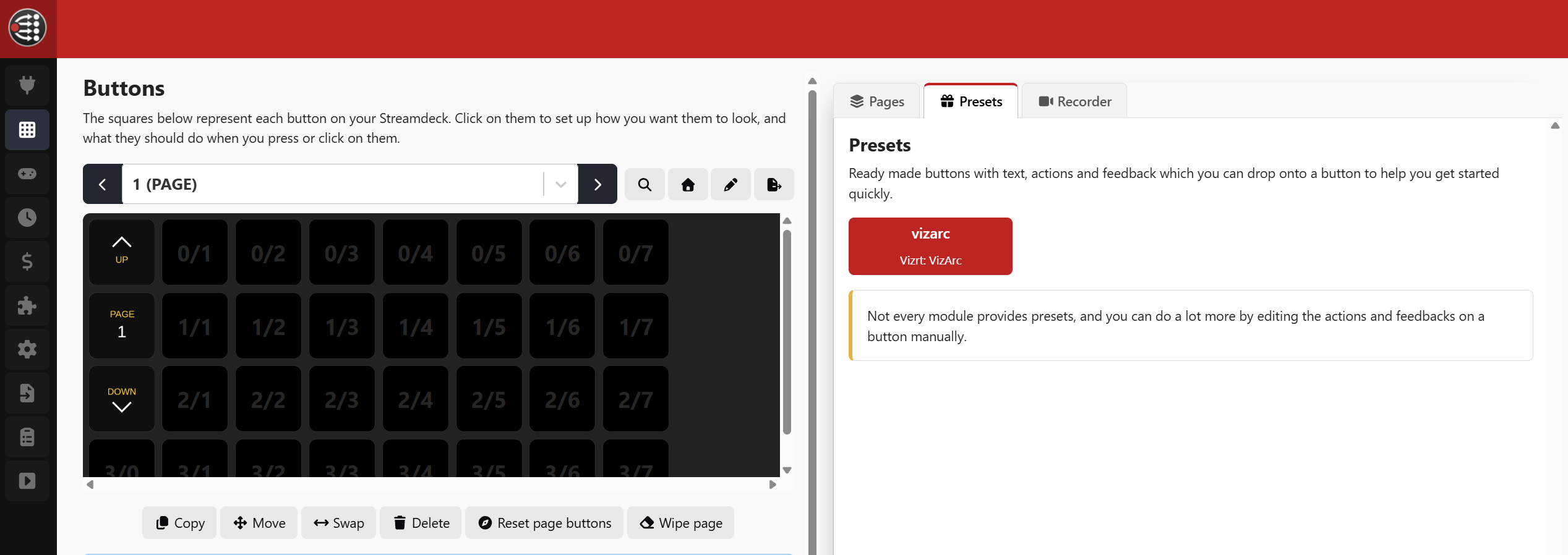
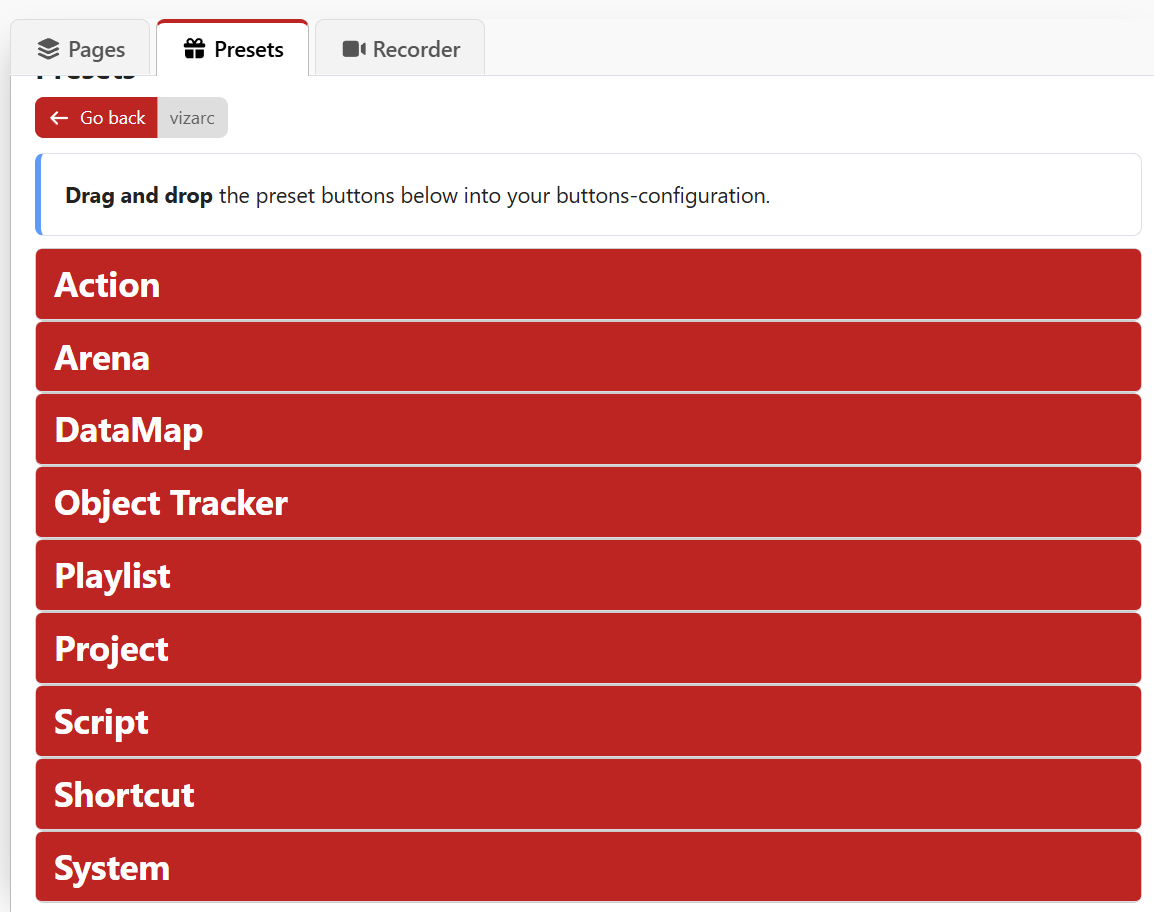
Now you can find in the Buttons tab the VizArc preset.