Use Media Assets to add input sources to scenes as video clips, live video, video stream, graphics channels, image channels or Super Channels.
This section describes the workflow and each type of Media Asset, and details Media Asset requirements and considerations for video playback, which includes video clips, live video feeds and live feeds through video streaming.
The required and supported video codecs are also detailed.
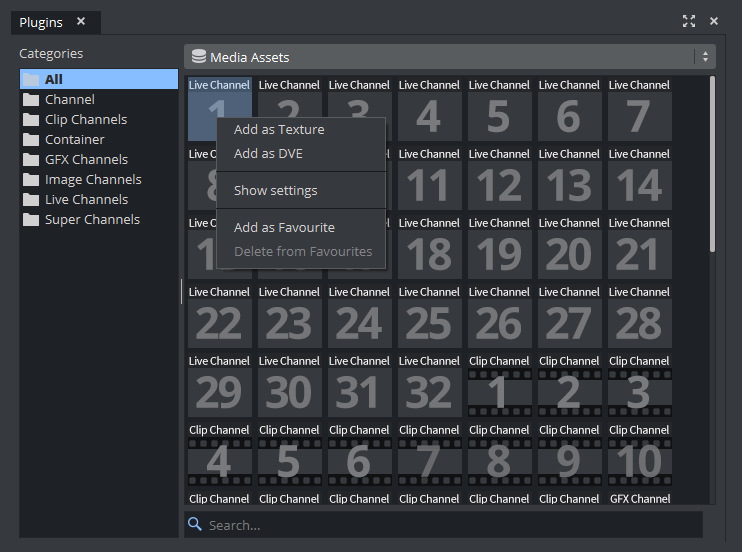
The Media Assets are located in the Built Ins panel (see Main Menu), and are organized in folders corresponding to the Media Asset Channel Types. You can view all available media assets by selecting the ALL folder.
This section contains the following topics:
- Video Clips
- Media Asset Manager
- Media Asset Panel
- Media Asset Channel Types
- Playback of Media Assets
- Keying Mode
- Viz Artist Supported Codecs
Note: DVE Assets and Placeholders in Artist are only shown for the current layer for better visibility (for example, if a front layer shows a Fullscreen DVE asset, it is hidden when working in the main layer).