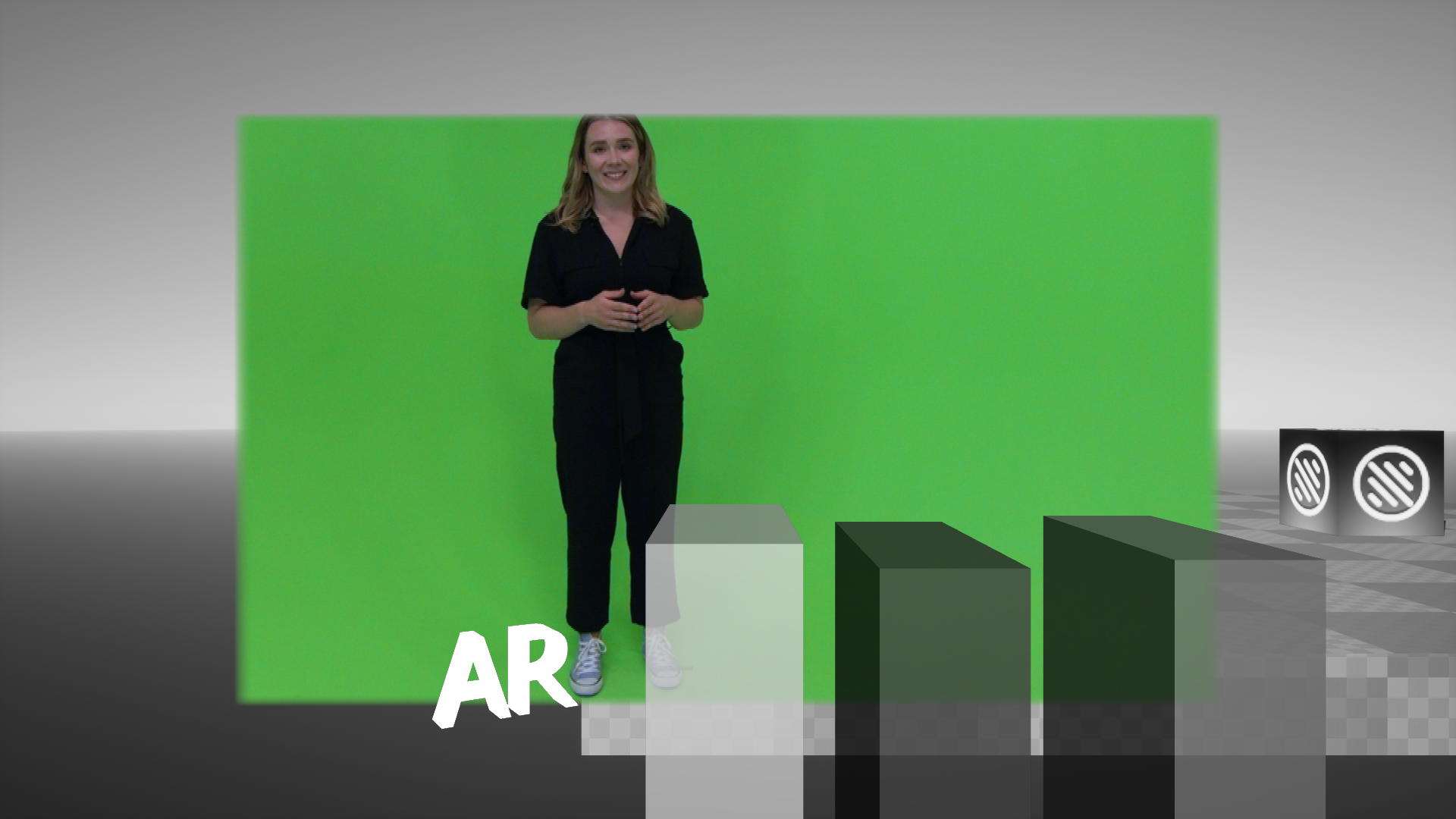
The Multi-Layer External XR sequence is an enhanced Render Sequence that makes it possible to combine a Clip/Live Input, with an Aux Channel and AR graphics using a Matte Scene.
Camera color correction can be applied everywhere except for the Clip/Live input.
Scene Configuration
The Render Sequence needs to be set to Multi-Layer External XR.

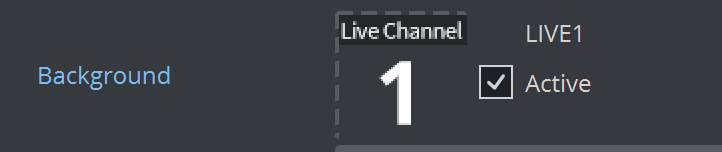
The Clip/Live Input needs to be placed in the scene Background slot.
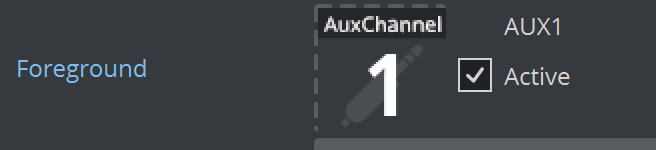
The Aux channel needs to be placed in the scene Foreground slot.
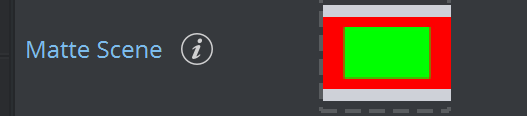
The Matte Scene needs to be referenced within the scenes Matte Scene slot:
Scene Tree Configuration
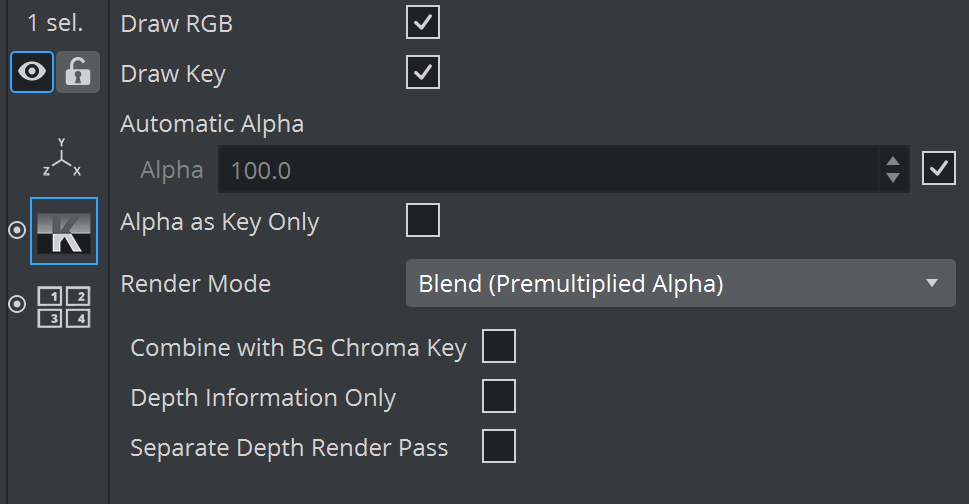
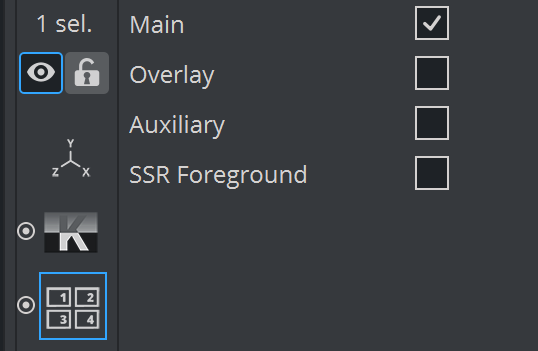
Additional elements can be rendered and properly blended on top of the background/foreground composition via a Key plugin and a Layer plugin.
The Key plugin Render Mode needs to be set as Blend (Premultiplied Alpha).
The Layer plugin needs to be set as Main.
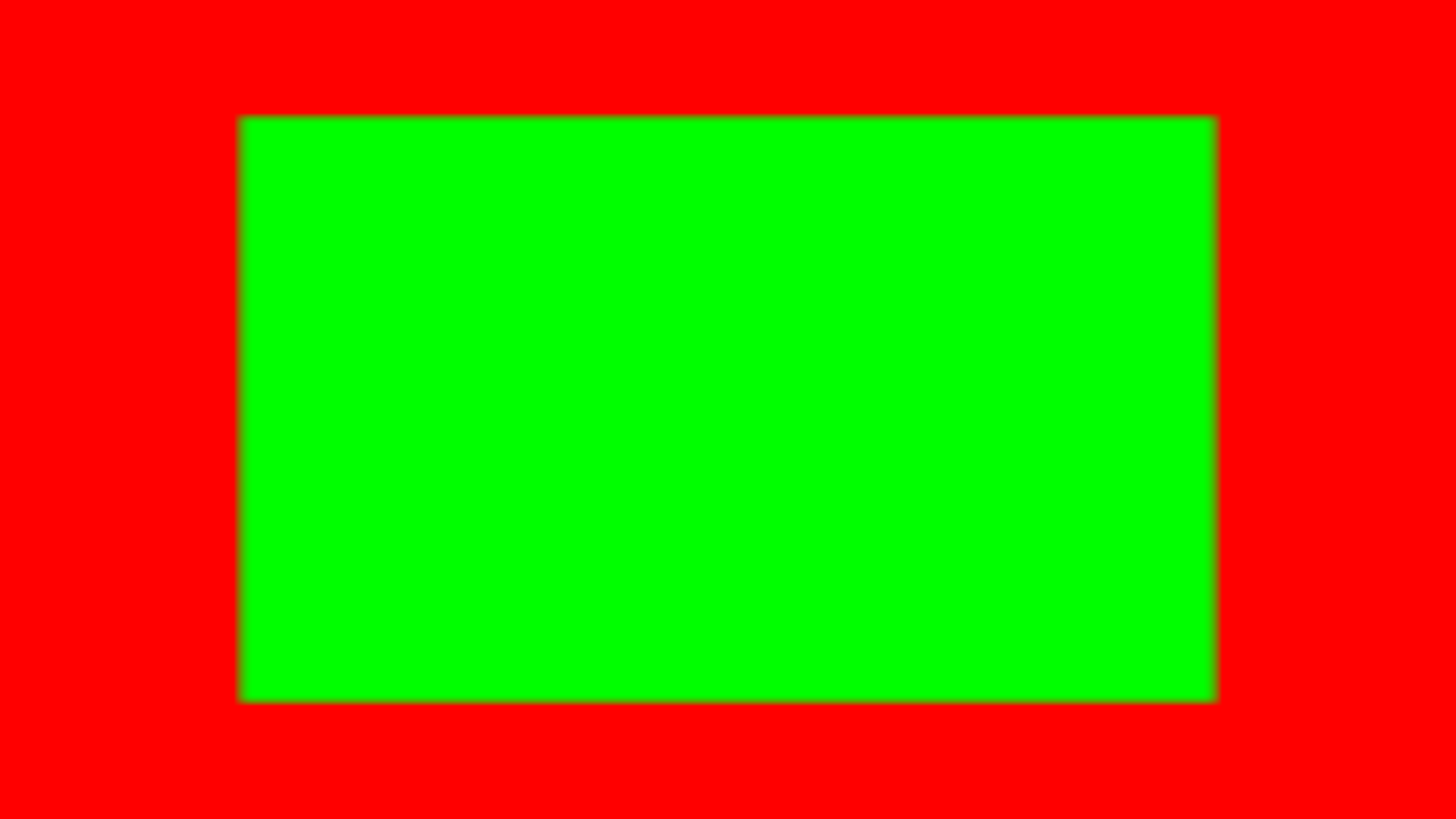
Matte Scene
The trash matte channel blends the Clip/Live Input with the Aux Channel. A Red value of 1 makes the Aux Channel 100% visible, while a Red value of 0 displays 100% of the Clip/Live Input. Values between 0 and 1 create a smooth blend between the two sources.
Render sequence example
Layer | Rendering Result |
|---|---|
Clip/Live Input (Background slot) | 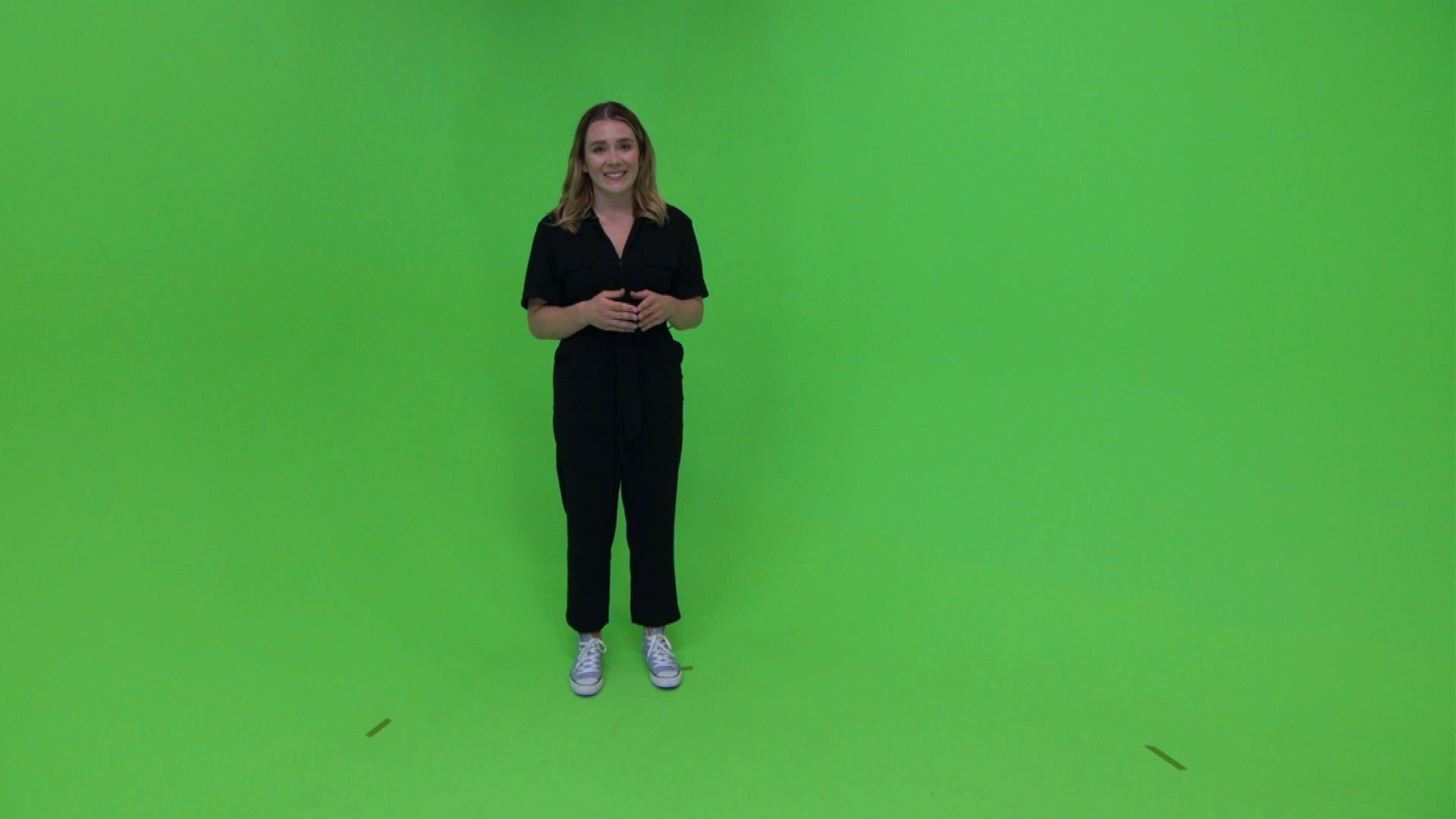 |
Aux Channel | 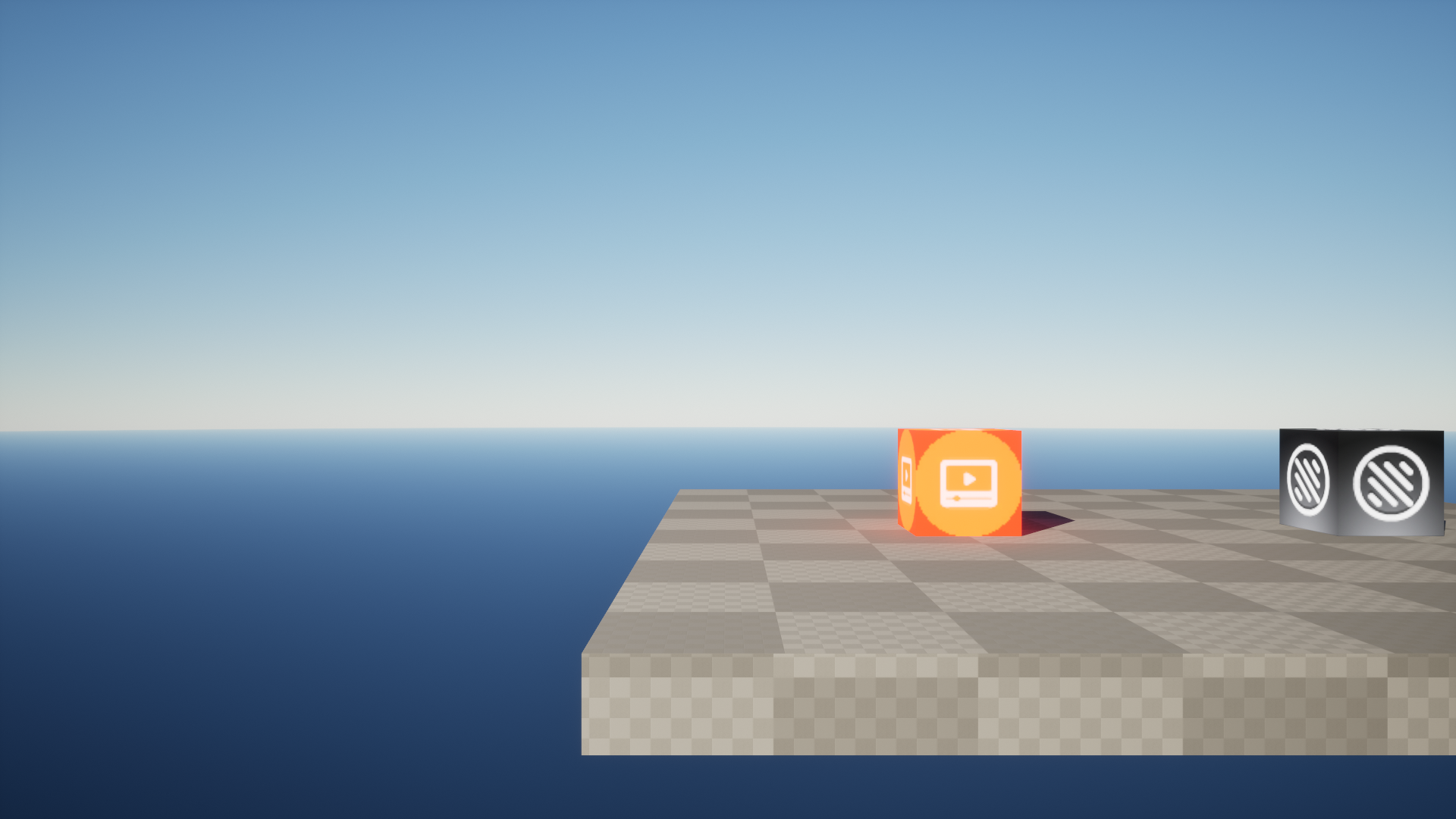 |
Viz Engine AR Graphics | 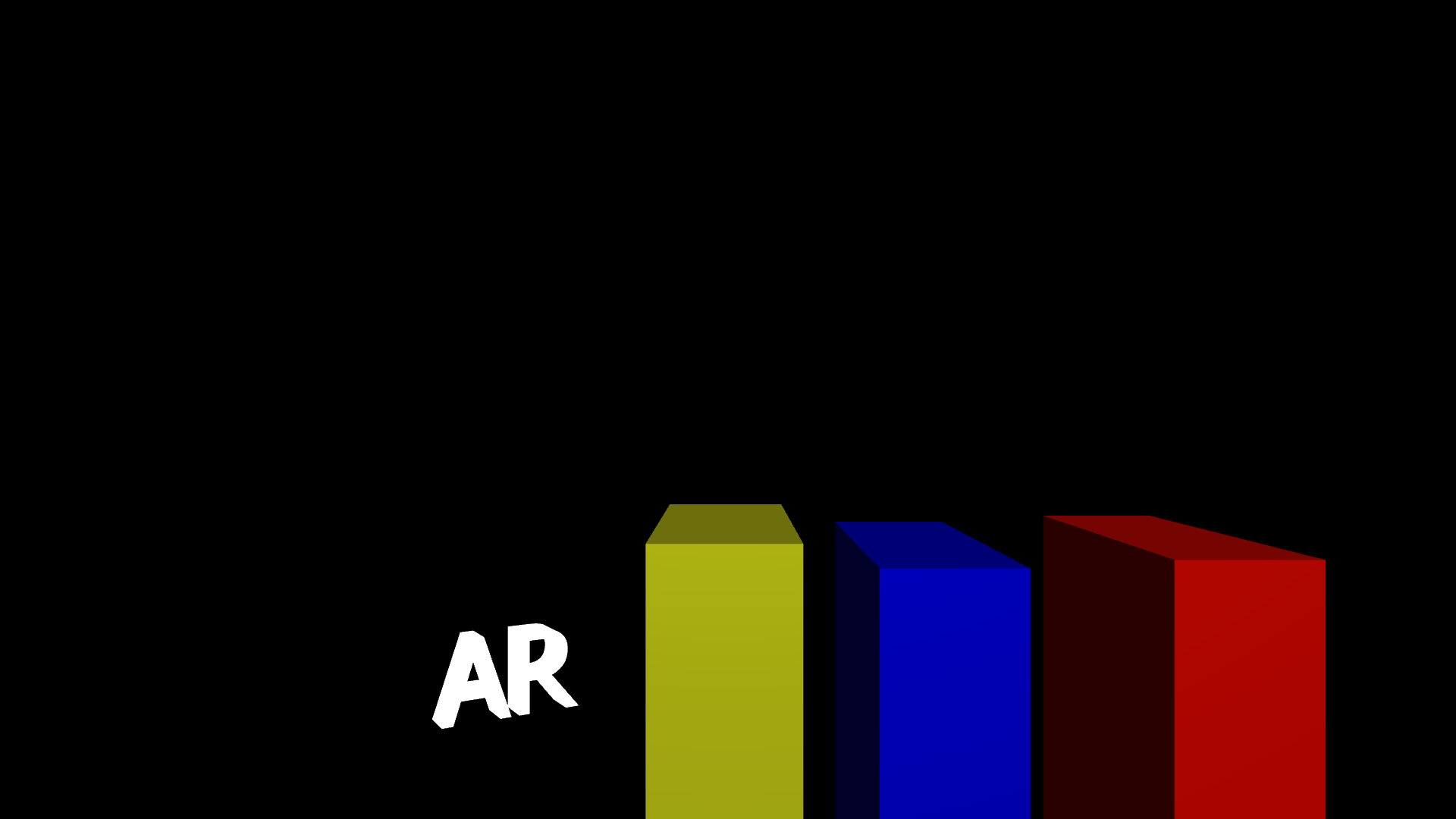 |
Final Composition | 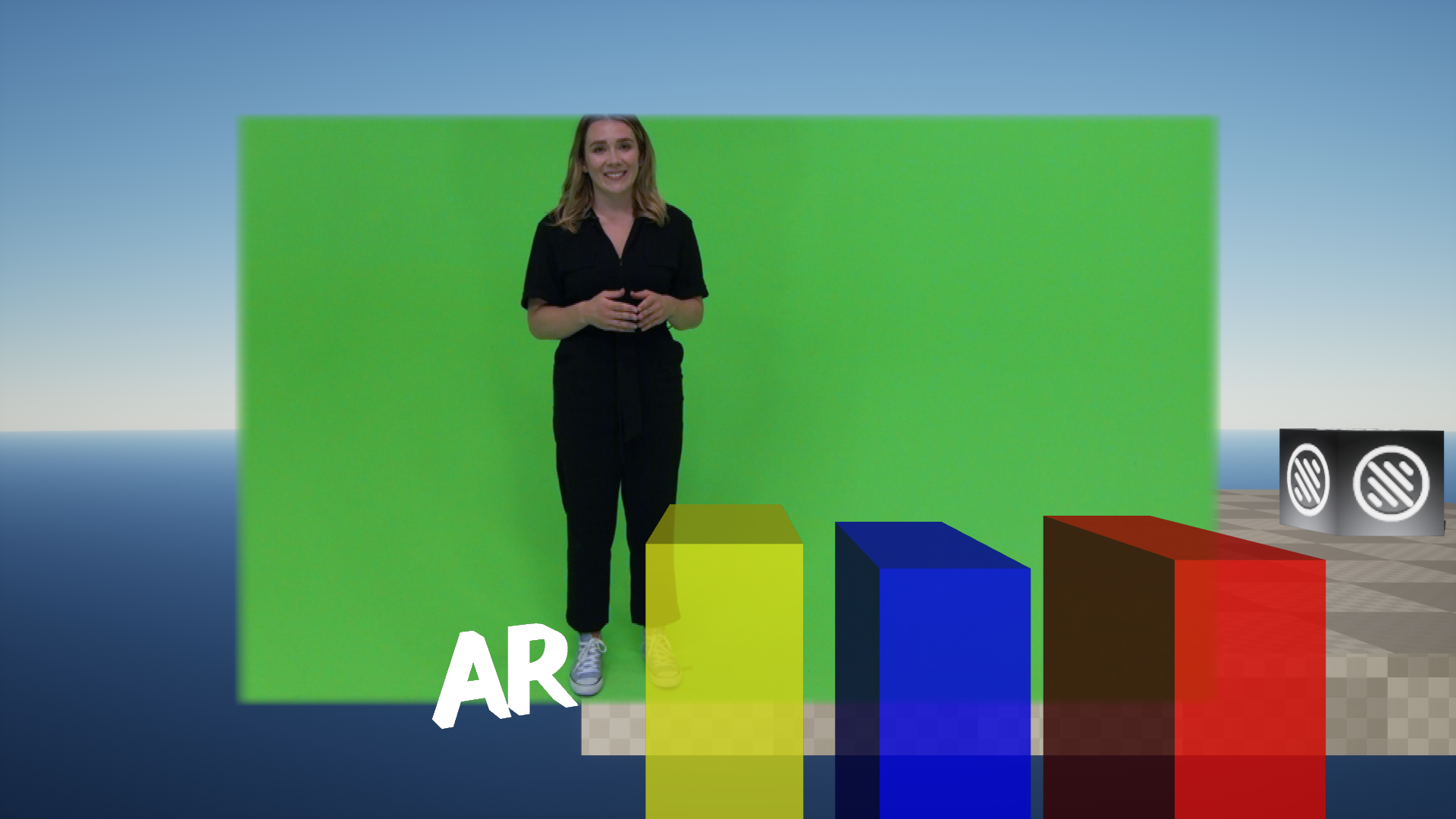 |
Camera color correction
All layers except for the Background slot will be color corrected according to the configured camera color correction LUT. As an example, a grayscale LUT is applied to the scene.