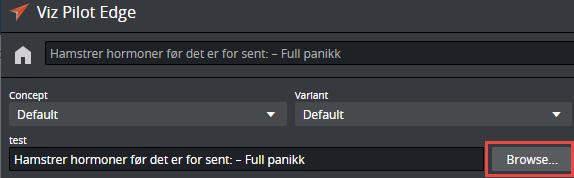
If the Feed Browser functionality is configured in a template, it is possible to auto-fill in information in the data element by browsing for feed entries from a URL source. The feed entry URL is pre-set in the template. A Browse button appears next to the field in the fill-in form.
Click Browse to open the Feed Browser.
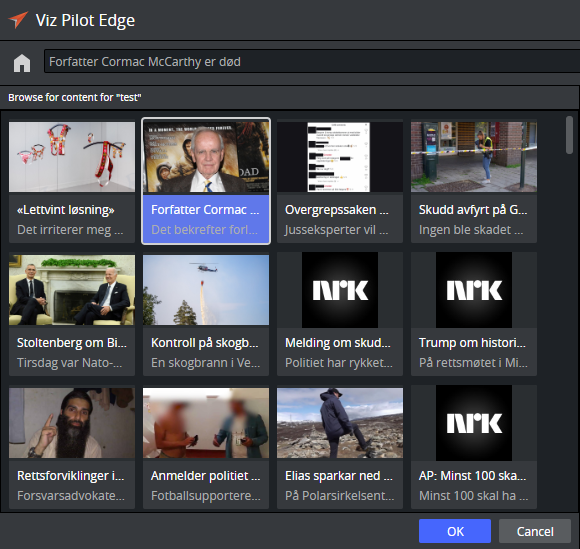
Feed entries are displayed as thumbnails. Select an entry and click OK. The OK button is enabled only if the feed entry contains all the required information for the data element.
Information from the feed entry populates the fields in the fill-in form, based on how the fields in the template are linked to feed fields in Template Builder.