Open the settings by clicking the cogwheel icon on the top right of the AI Terminal window.

Sections
General
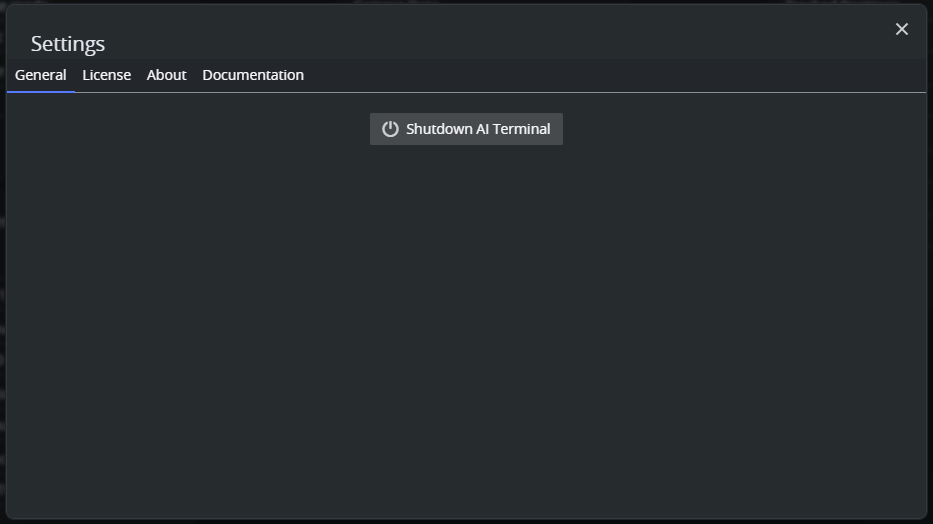
The general section contains a button to shutdown the AI terminal application. This also shutdowns all AI tools.
License
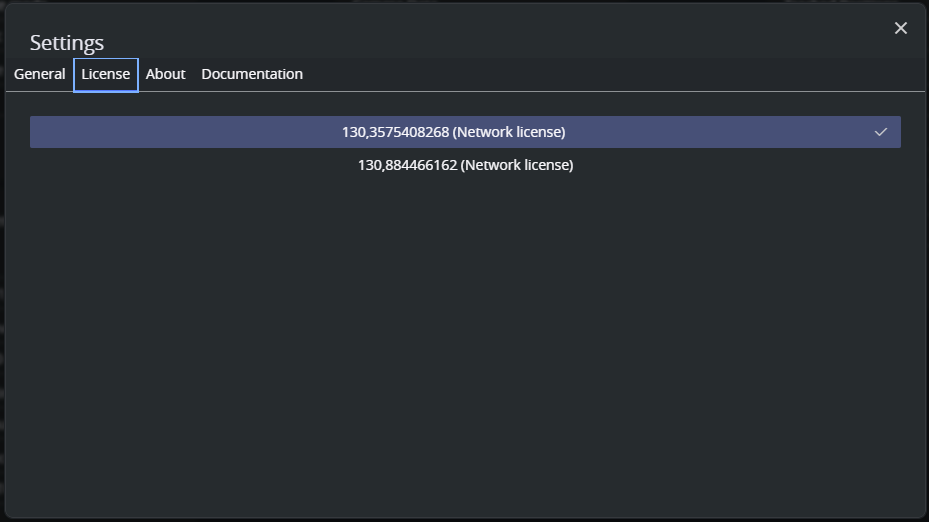
When entering the license section, the available license containers are loaded. This might take a few seconds. Select which license container is used to acquire the Viz AI feature licenses. The license is only acquired when a tool is created.
About
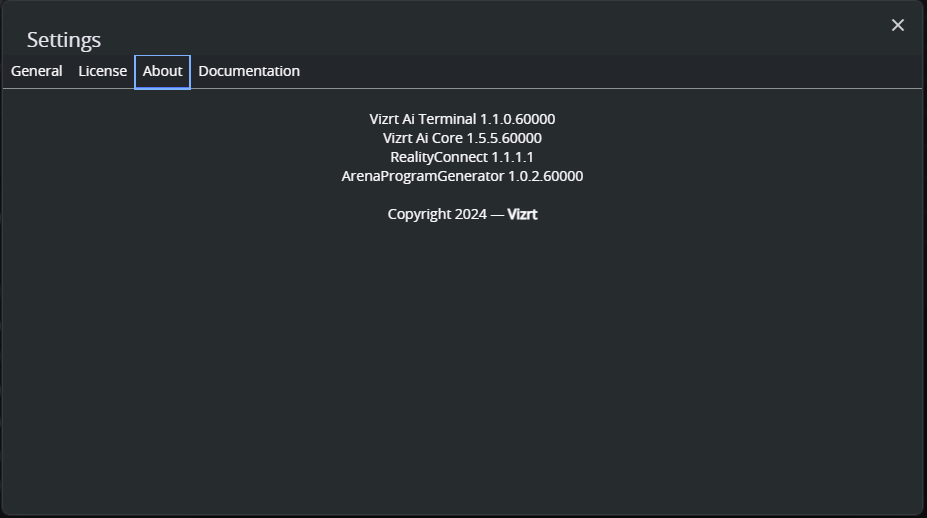
The about section has version information about the installed AI Terminal and Viz AI tools.
Documentation
The documentation section contains a link to the Vizrt Documentation Center.