Activate the Composure plug-in.

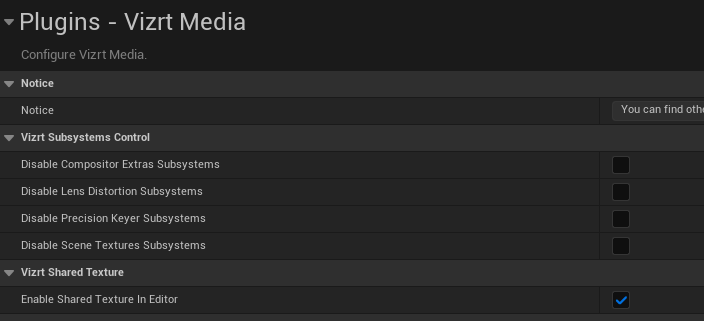
In the settings, activate “Enable Shared Texture in Editor” to allow for shared textures to work without the project running in editor mode:
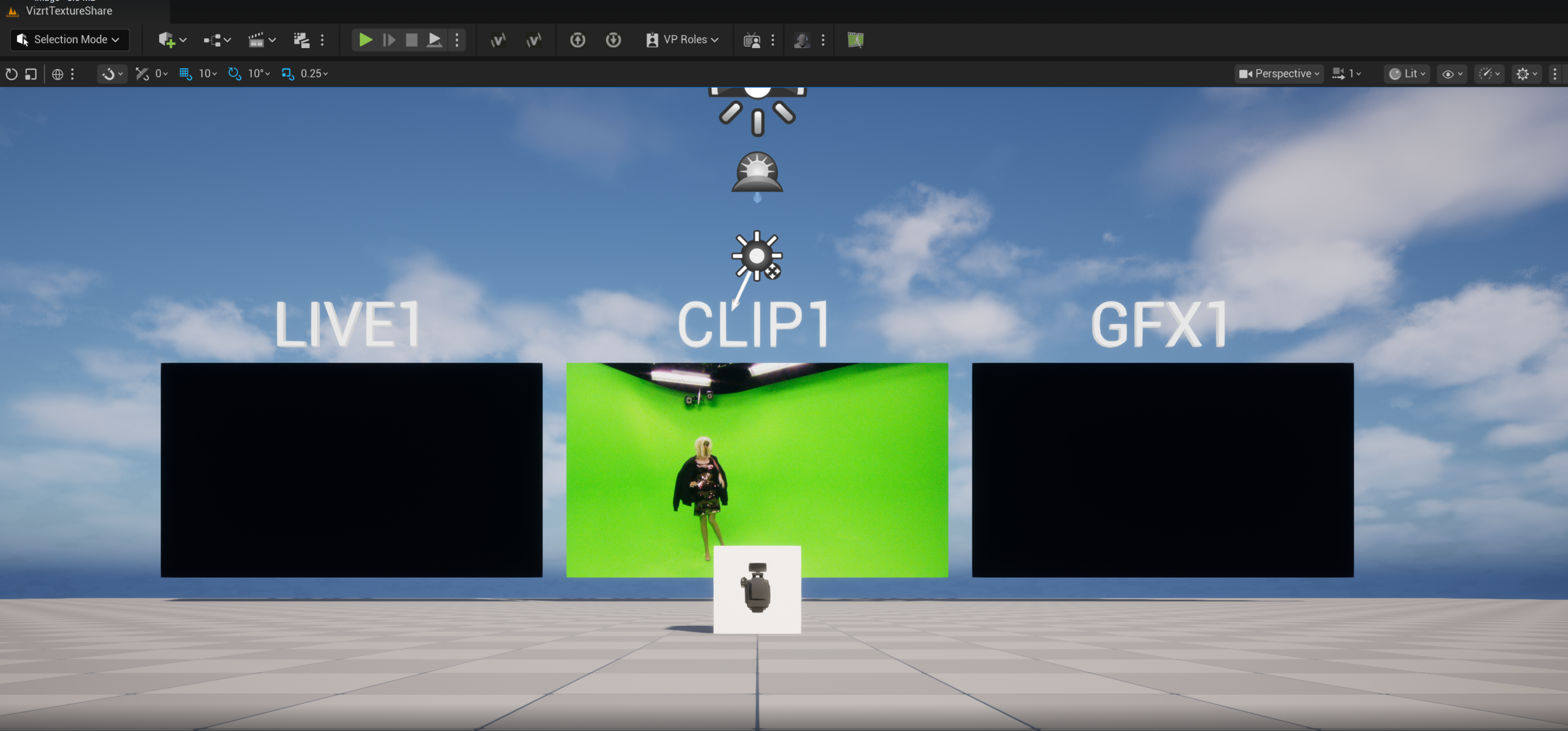
We need to go to Composure window:
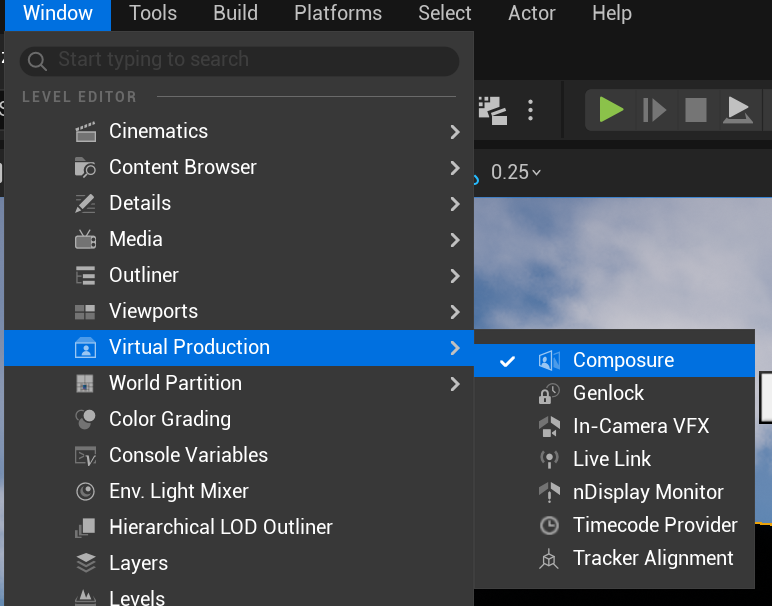
This should open a Composure window:
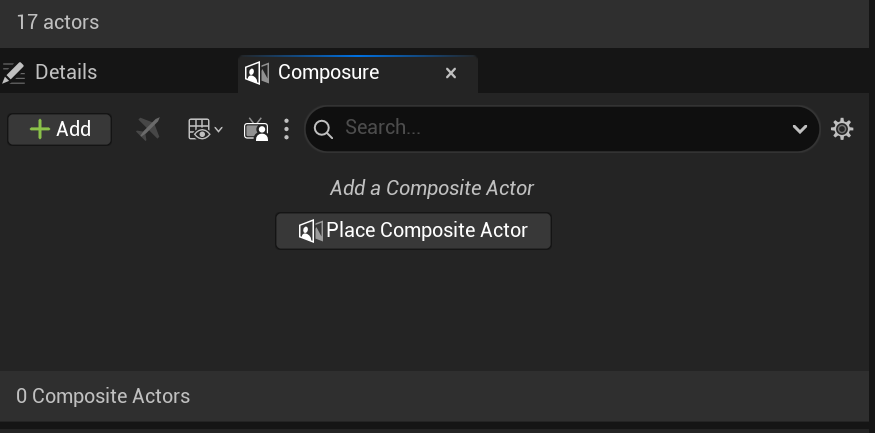
Select Place a Composite Actor:
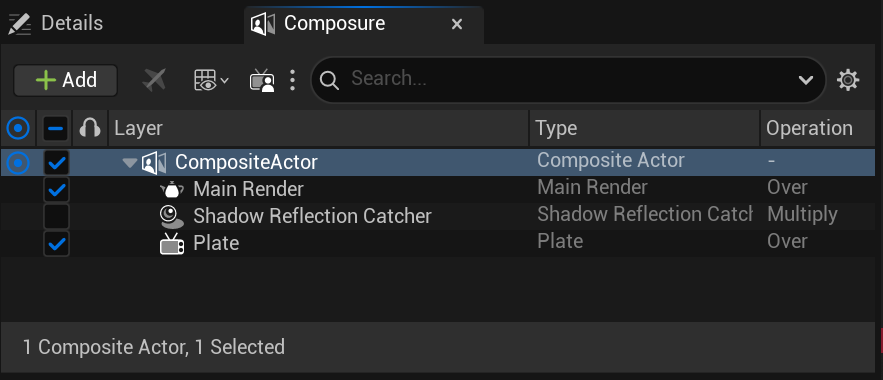
On Plate select:
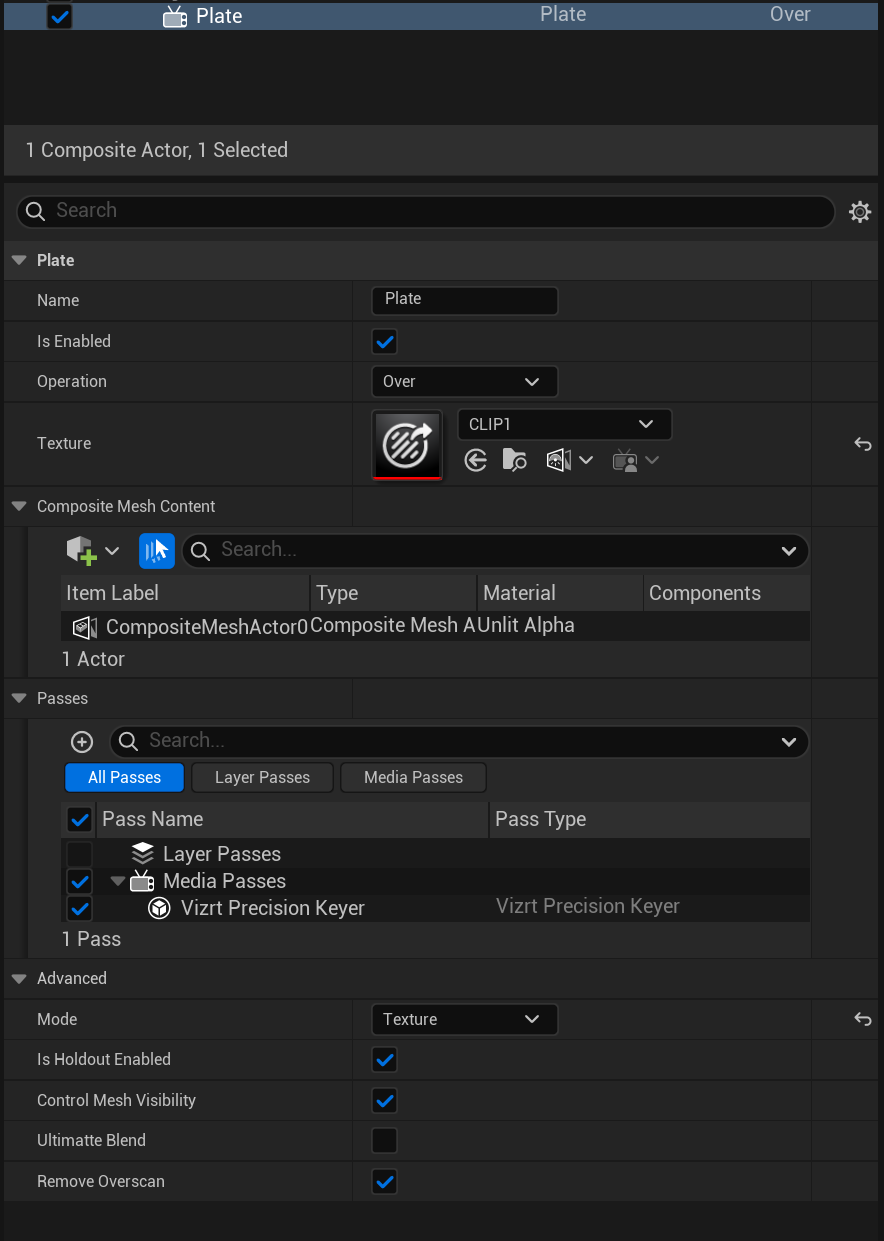
Texture - CLIP1 (or LIVE1 or another media plate you want);
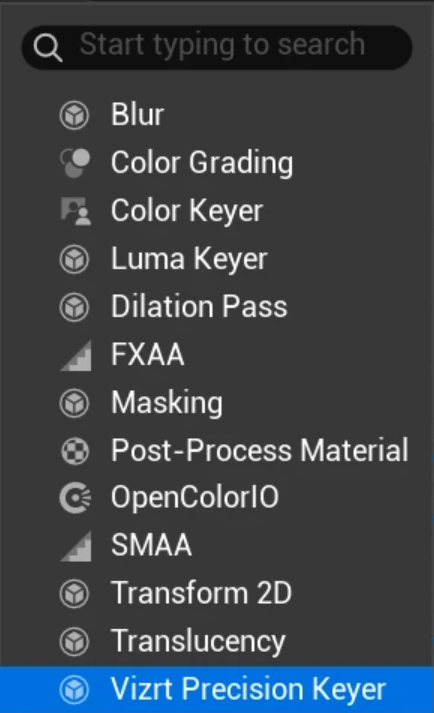
Add the Media Passes you might want (VizrtPrecisionKeyer or something else);
Mode - Texture
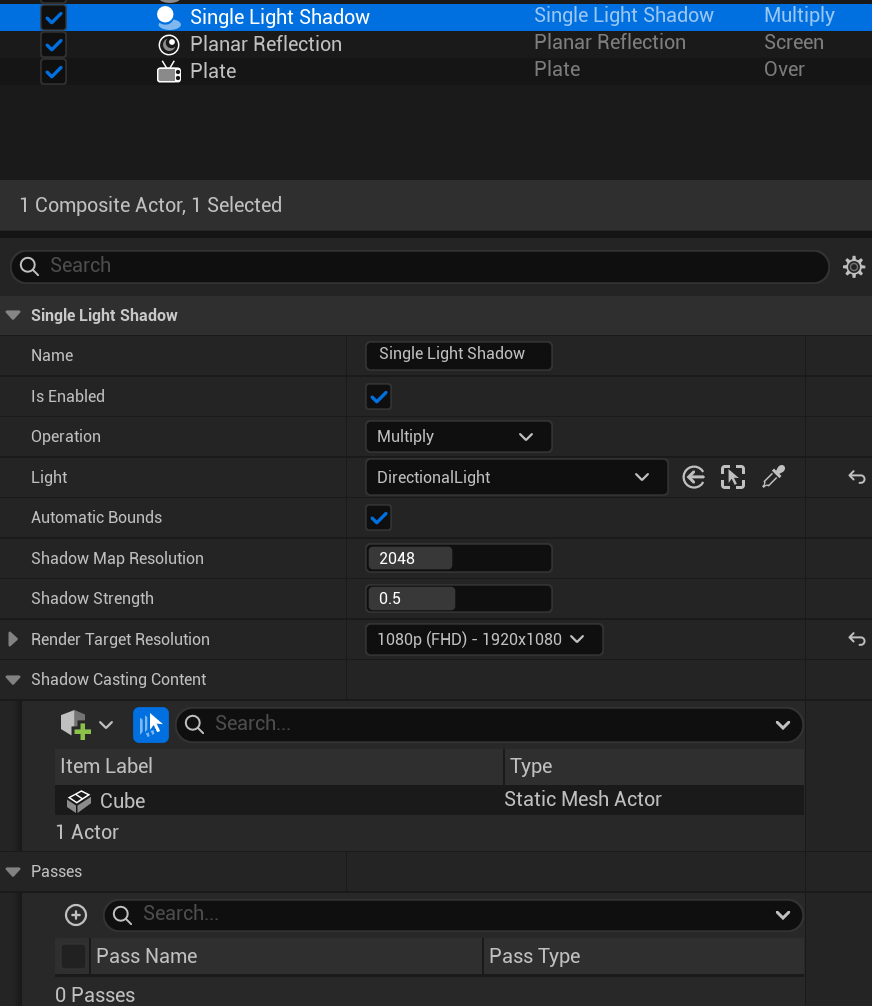
To add shadows add a Single Light Shadow and check its settings - you can add Passes to modify its aspect and you need to add the actors you want the shadows to be represented ( Cube in this example ):
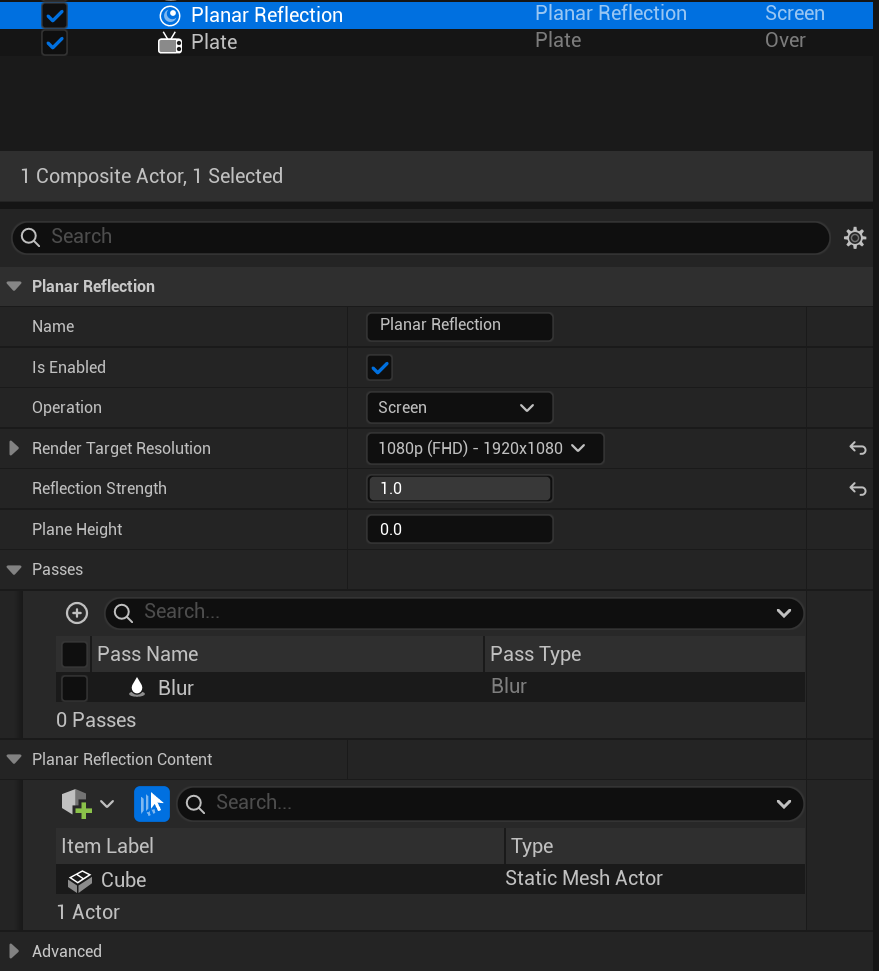
To add Reflections add Planar Reflection and check its settings - you can add Passes to modify its aspect and you need to add the actors you want to be reflected ( Cube in this example ):
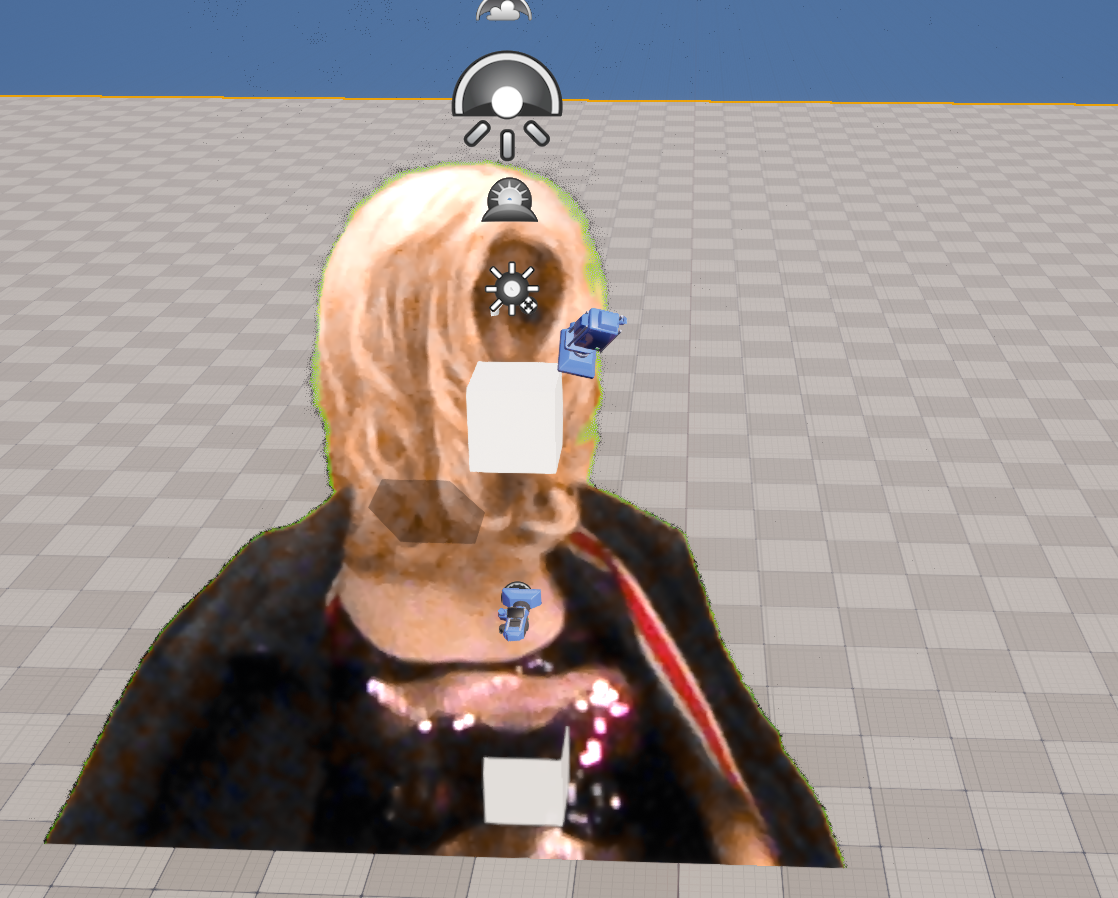
With these settings you should now be able to have the texture being keyed (the following is a zoomed in example and not a representation of final quality):