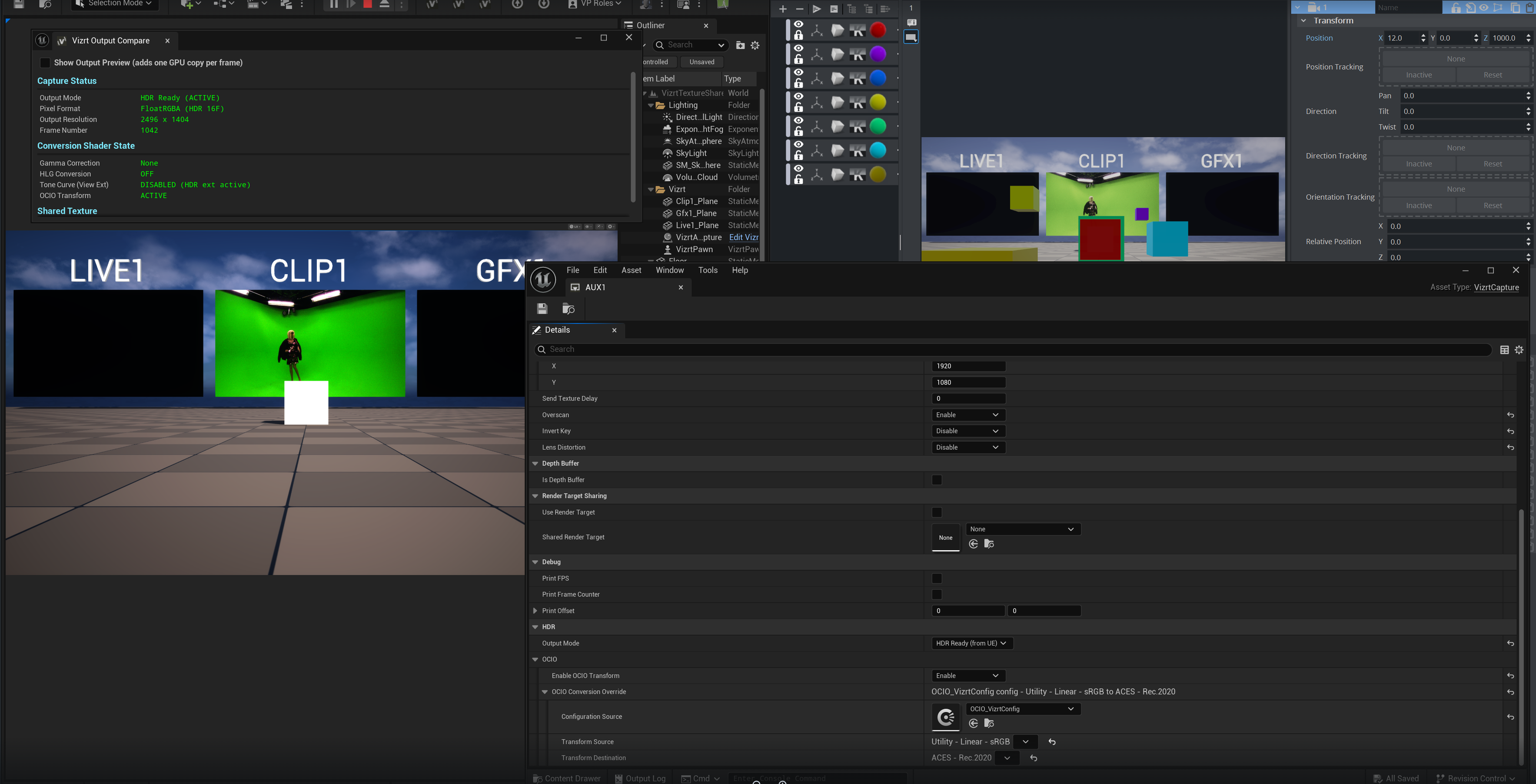
The Unreal Integration now supports OpenColorIO and its vast array of color spaces.
This allows for a more seamless and diversified SDR and HDR workflows with Viz+Unreal scenes.
The options to change between pipelines are located in the AutoCapture blueprint in the HDR tab:
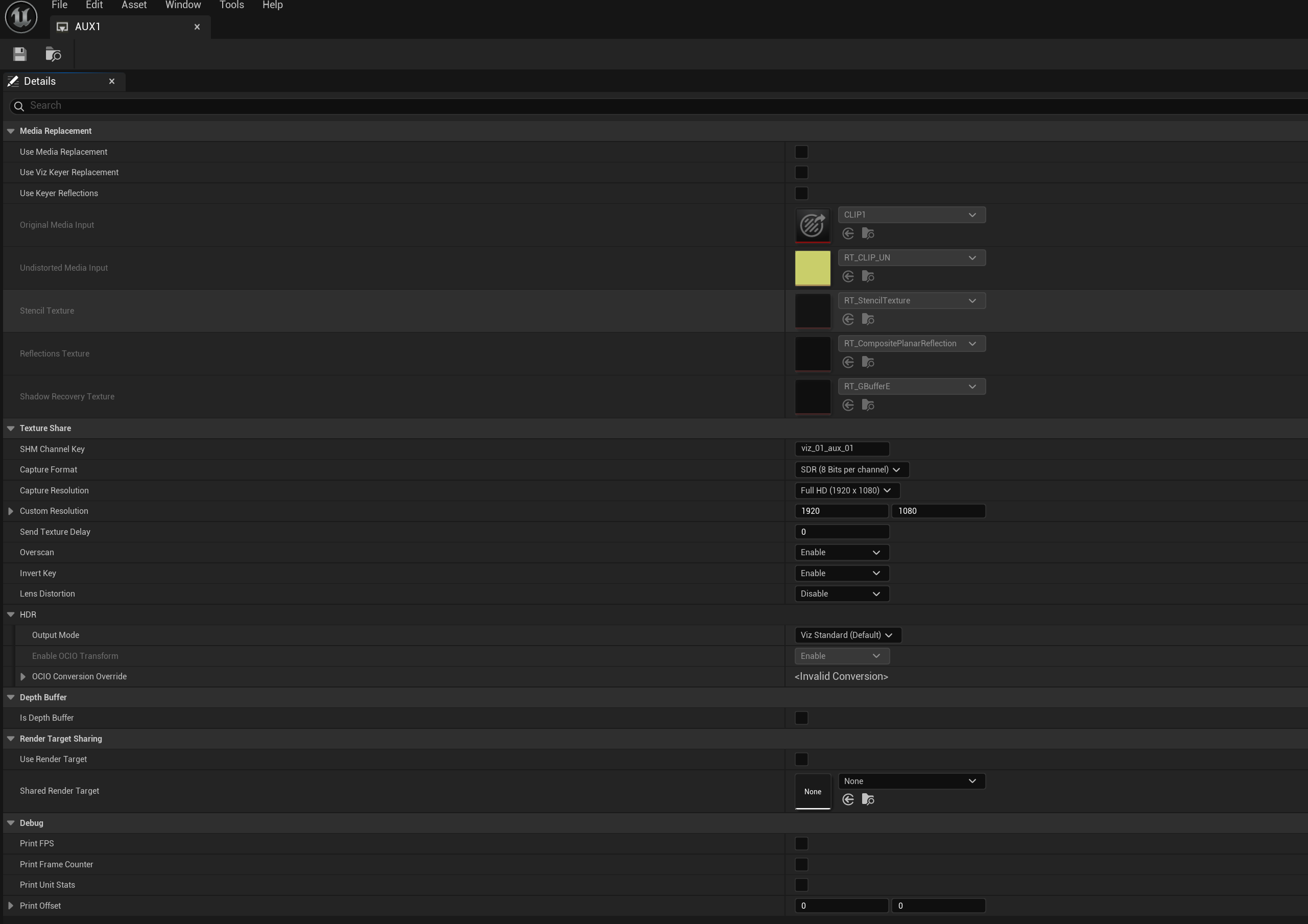
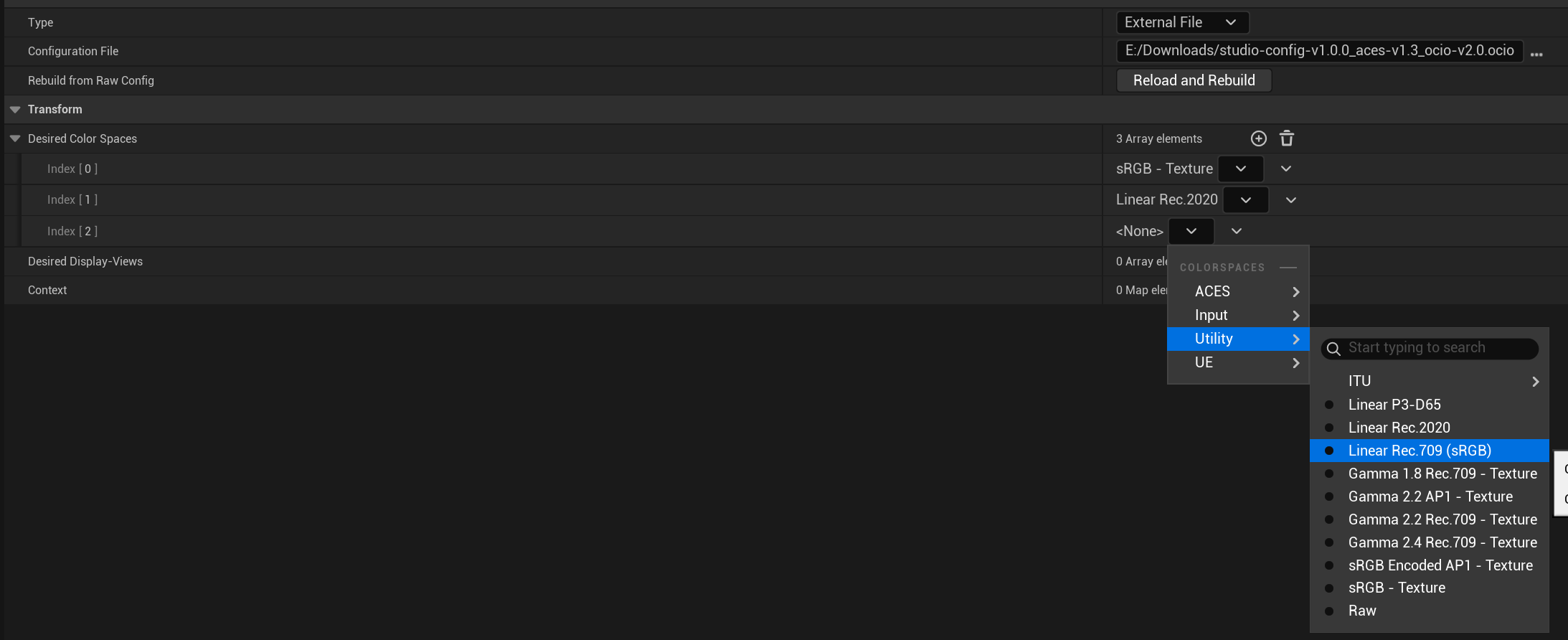
To use the OCIO profiles, a OCIO Config file should be created and a profile added:

The desired color spaces should be added:
Back to the AutoCapture, to use the previous non-OCIO pipeline, the setting should be kept in Viz Standard (Default):
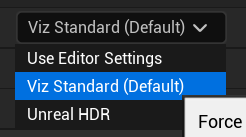
To use the new pipeline, Unreal HDR should be selected:
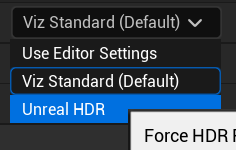
From there, the option to add a OCIO profile is now available:
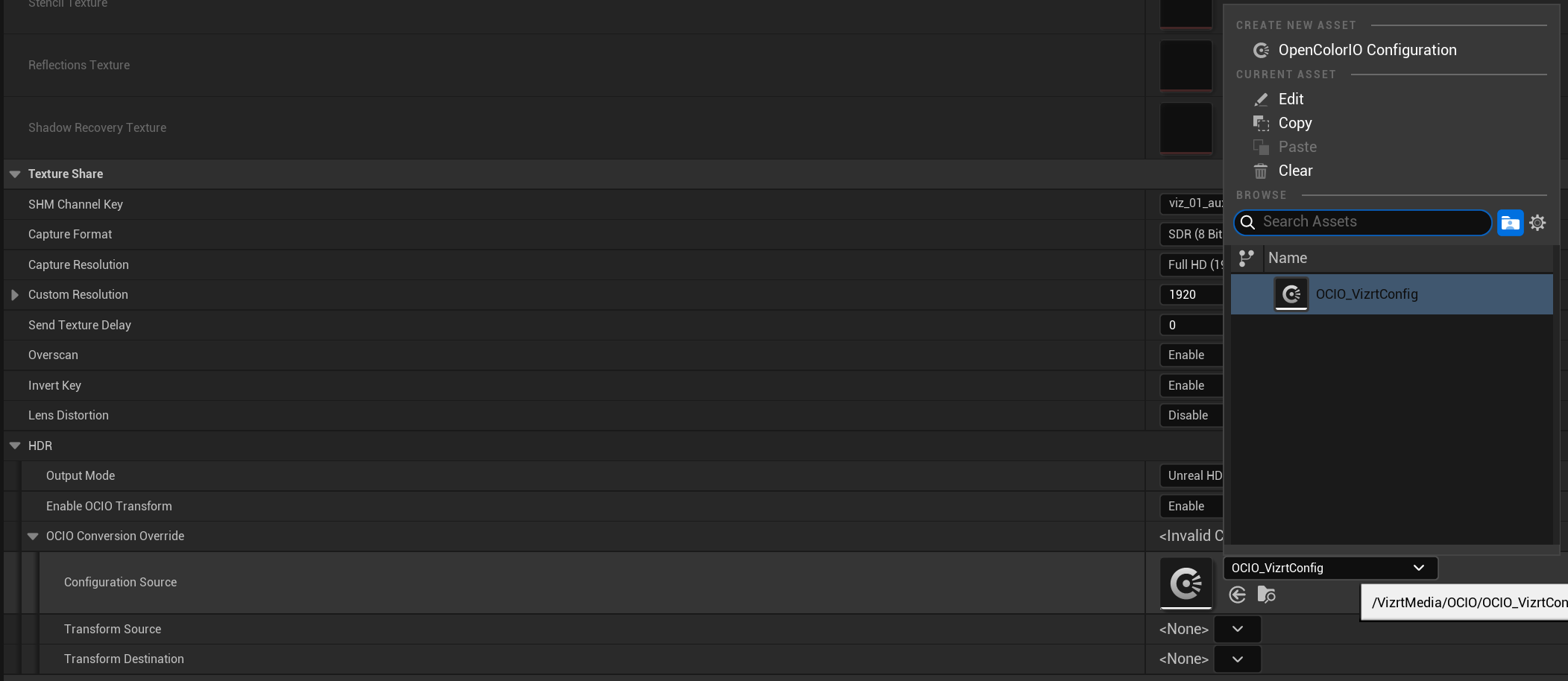
With the correct OCIO config selected, the source and destination color spaces can now be chosen:

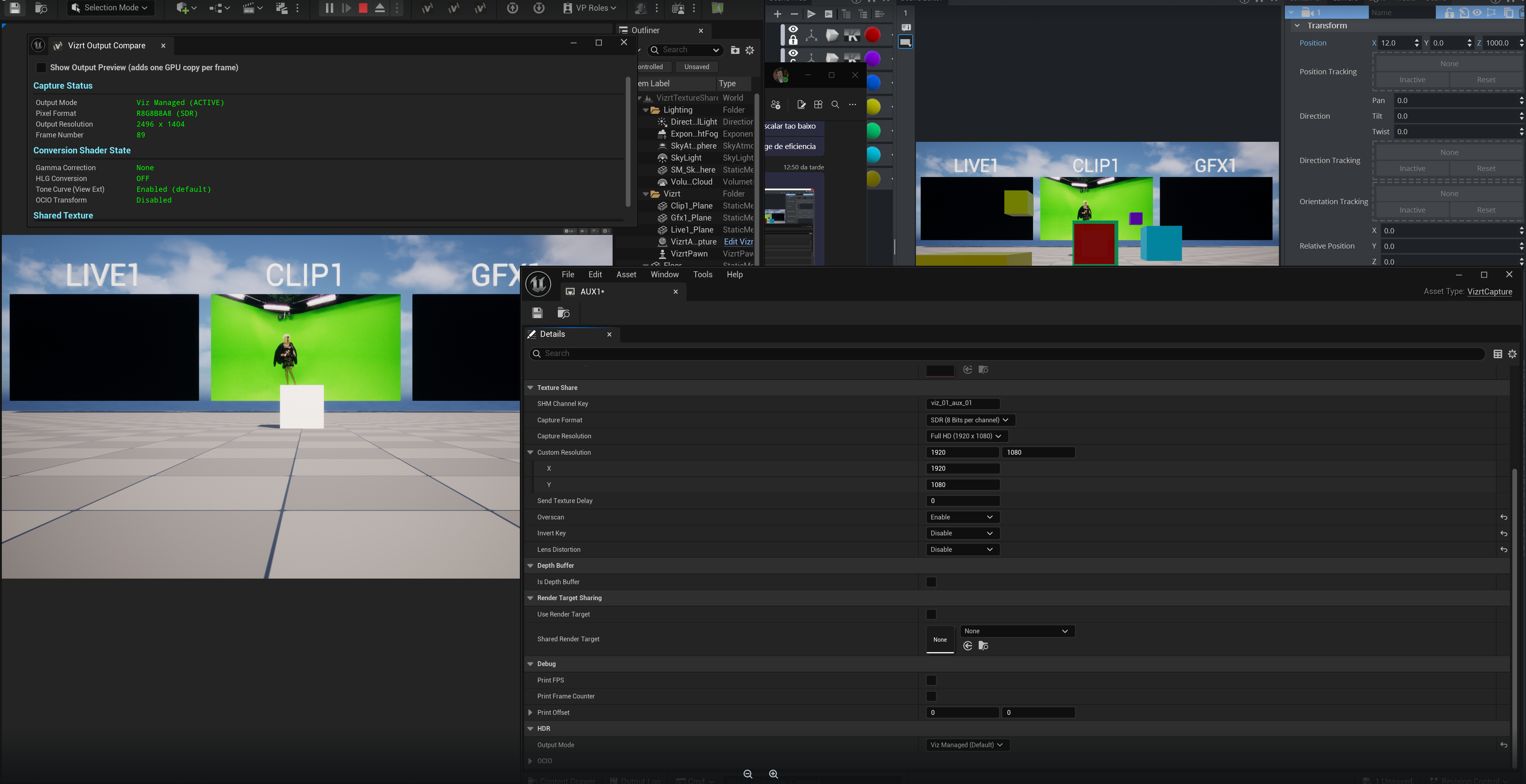
When running the project now, the output color will now fully respect the selected source and destination spaces without the unreal tonemapping affecting the tones. A few examples below:
Standard
Linear - sRGB to ACES - Rec. 2020 1000 nits
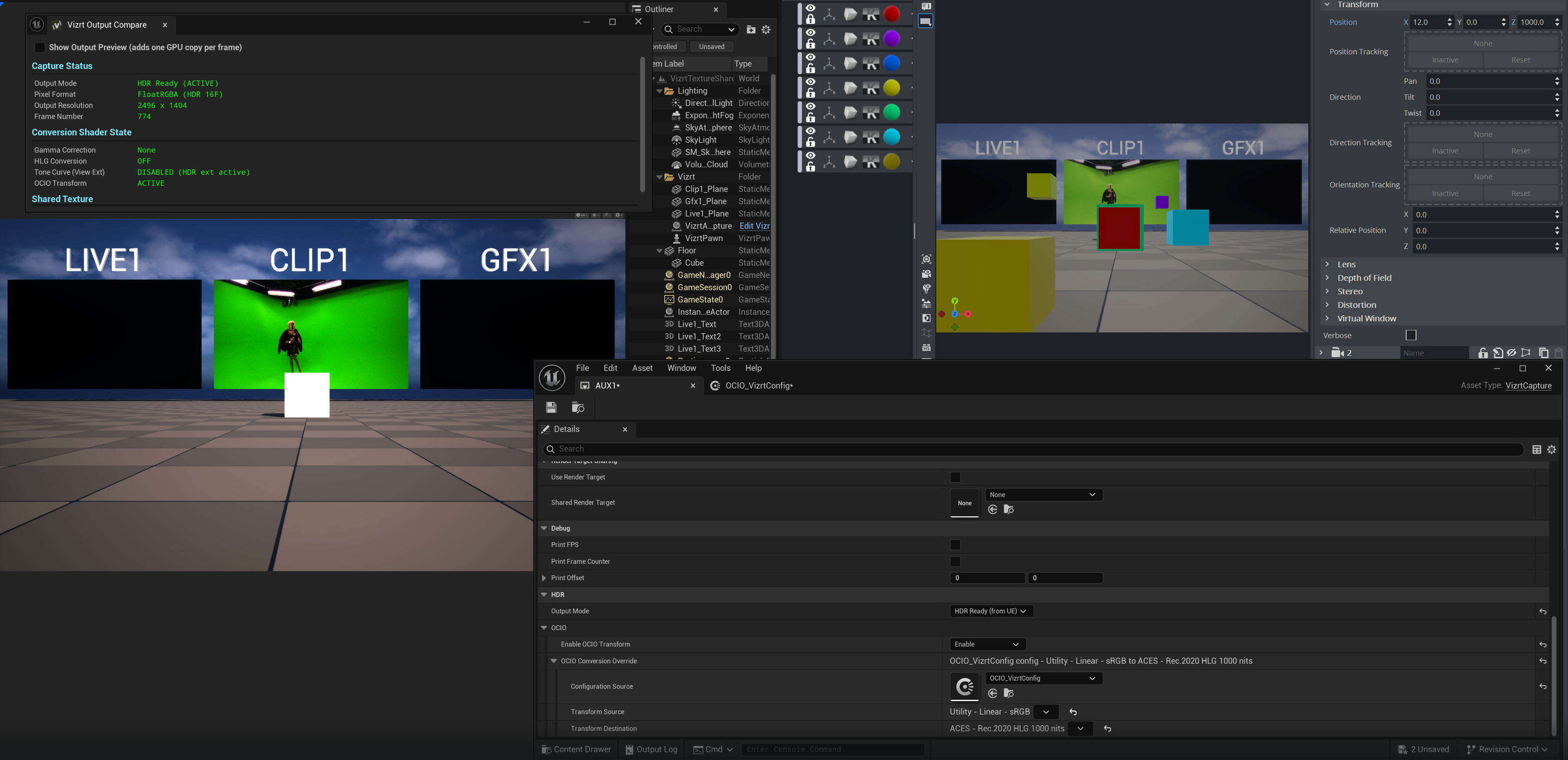
Linear - sRGB to ACES - Rec. 2020