
Viz Engine supports native rendering of Gaussian Splat files, adding ultra photorealism to virtual Studios and AR objects.
Rendering Gaussian Splats requires a license
How Gaussian Splatting works
Traditionally, getting a real location into a Viz scene means someone rebuilds it: geometry is modelled, materials are authored, lights are placed, and an artist spends days chasing the way light actually behaves in that room. The result is a model of the place.
Gaussian Splatting takes a different route. You photograph or film the location, and software works out a representation that reproduces those photographs and not by building surfaces, but by filling the space with millions of tiny, soft, coloured blobs. Each blob is a stretched, semi-transparent 3D ellipse. Individually they are meaningless smudges. Collectively, seen from any angle, they resolve into the room.
The technical name for one of those blobs is a 3D Gaussian, hence "Gaussian Splatting". The captured location is a splat scene or splat cloud.
The important thing for a designer is what it replaces. This is not a new way to build geometry. It is an alternative to building geometry at all — for the parts of a scene that already exist somewhere in the real world.
Why it looks real
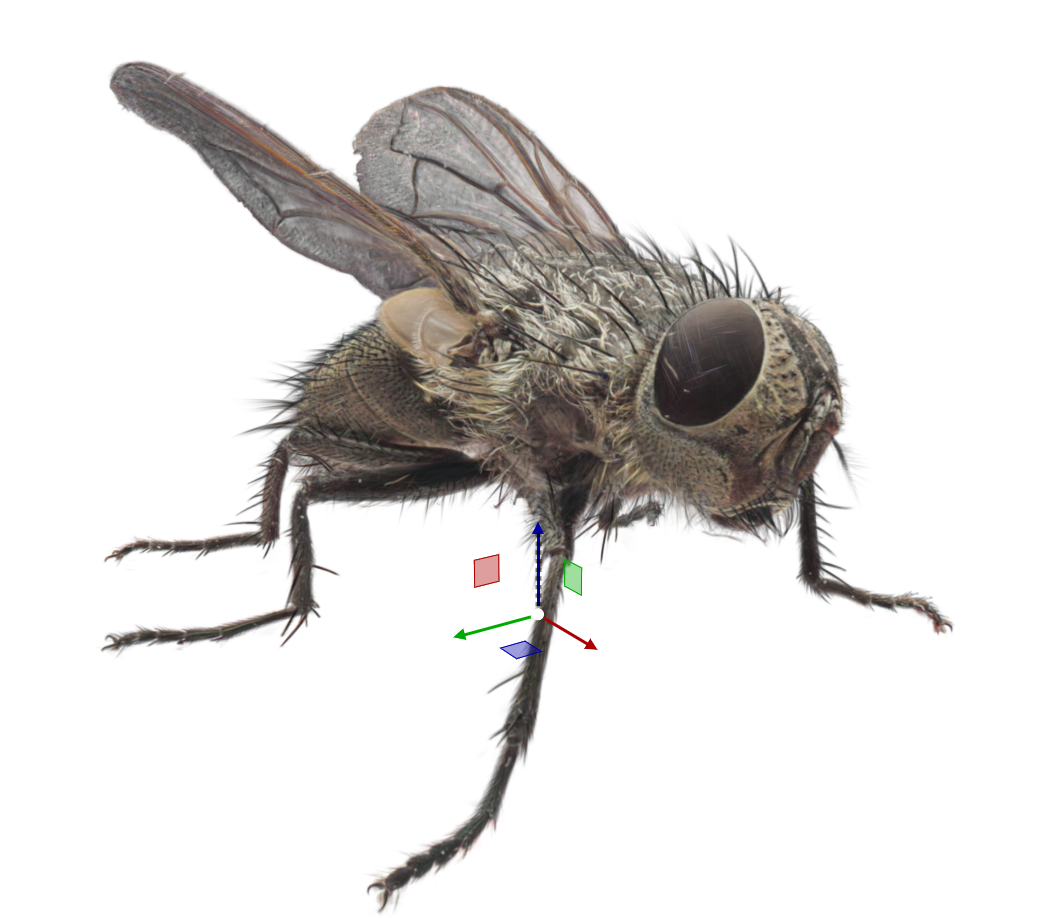
Two reasons, and neither is resolution.
Nothing was interpreted. In a modelled set, every material is somebody's estimate of how a surface behaves, and every light is somebody's guess at where the real light was. In a capture, the scuffed floor, the bounce off a white wall, the grime in a corner and the slight unevenness of the ceiling lights are all simply present, because they were present when the shutter opened.
The highlights move. Because each splat's color depends on viewing angle, reflections and specular sheen shift as the camera travels — the single strongest cue the eye uses to decide whether it is looking at a real space or a rendered one. A tracked camera move through a splat scene behaves the way a camera move through a real room behaves.
Benefits and Limitations
Plays to its strengths | Fights it |
|---|---|
|
|
To use Splat files for Viz Engine
Capture images
Photos from a camera or rendered frames

Create a point cloud
Turn the images into a cloud of 3D points

Turn them into "splats"
Each point becomes a soft,colored, see-through blob

Render
Overlapping blobs merge into a smooth, real view
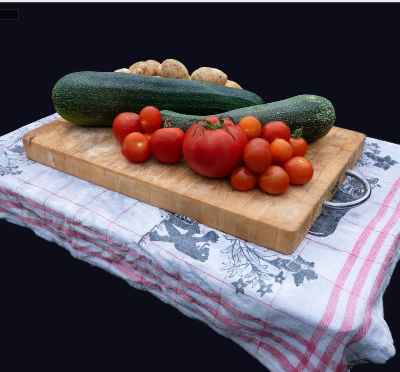
Viz Engine is only involved in the Render part, however we will give some advice on the preparation steps to create the data needed:
Capture images
Someone walks the location taking heavily overlapping stills or video, covering every angle the final shot might use. This is the stage where quality is won or lost. Additionally you can also render a sequence of images or clips from within a modelling software.
There are many ways how to capture these images. From professional automated camera setups, drone flights, mobile phone applications and many more. Also traditional 3D Render Software can be used to create these images.
The splat scene is only solid from directions that were photographed. Plan the capture around the camera moves you intend to shoot — and if a move is added later, it may need a return visit rather than a scene fix.
Create a point cloud and turn them into splats.
Software first works out where each photo was taken from, then places and refines the splats — rendering its own attempt, comparing it against the real photo, and adjusting. This runs once, offline, on a workstation. It takes minutes to hours depending on the size of the capture.
Public Sources
There are also many web sites and communities offering splat files for commercial and free usage. Some examples:
https://www.useblurry.com/
Software for processing a capture
Vizrt does not recommend any particular workflow, but we want to give some advice.
The tool landscape moves quickly, and pricing and platform support change from release to release — treat the table as a starting point and check current details before standardizing on anything.
Tool | Platform | Splat output | Where it fits |
|---|---|---|---|
Capture on a phone — shoot and solve in one app | |||
Polycam | iOS · Android · web | .ply | The general-purpose scanning app. Choose splat PLY on export — the other export options give you meshes, which is a different thing entirely. Free tier plus subscription. |
Scaniverse | iOS · Android | .ply · .spz | Processes on the device, so nothing leaves the phone. Export PLY unless Viz turns out to read SPZ. Free. |
Luma AI | Cloud / web | .ply (inside a .zip) | Choose Gaussian Splat on export, then extract the PLY from the downloaded archive. Fastest look-see, least control. |
Training — turn images into splats, with control | |||
Postshot | Windows | .ply | The common desktop default. Trains locally on your own GPU, exposes splat count and training steps, crops and cleans in the same tool. |
nerfstudio / gsplat | Python · CUDA | .ply | Open source and scriptable — the route for a repeatable in-house pipeline. Needs camera poses supplied to it. |
LichtFeld Studio | Windows · Linux | .ply | Newer trainer, exports PLY for interchange. |
Brush | Cross-platform | .ply | Cross-platform trainer. Expects camera poses; does not solve them itself. |
Camera alignment — necessary upstream, but produces no splat file | |||
RealityCapture · RealityScan | Windows | none — poses only | Industry-standard alignment. Outputs camera positions and a sparse point cloud that a trainer consumes. |
Agisoft Metashape | Cross-platform | none — poses only | Handles 360° source imagery, useful for interiors. |
COLMAP | Cross-platform | none — poses only | The reference structure-from-motion tool most trainers expect input from. Slower, free, predictable. |
Clean-up and conversion — the only source of SOG | |||
SuperSplat | Browser | .ply · compressed .ply · .sog | PlayCanvas' editor. Crop, select and delete splats, then export. The only mainstream interactive tool that writes SOG. Free, open source. |
SplatTransform | Command line (npm) | .ply · .sog |
|
Large and aerial captures | |||
DJI Terra | Windows | .ply · 3D Tiles | Drone captures of buildings, venues and sites, with georeferencing and very high image counts per task. Licensed, enterprise. |
Before you pick one
Where does the data go? Cloud-processed apps upload your footage to a third party. For an unannounced set, a client location or anything under embargo, that is a policy question, not a technical one — and it is the main argument for on-device or local processing.