Communication
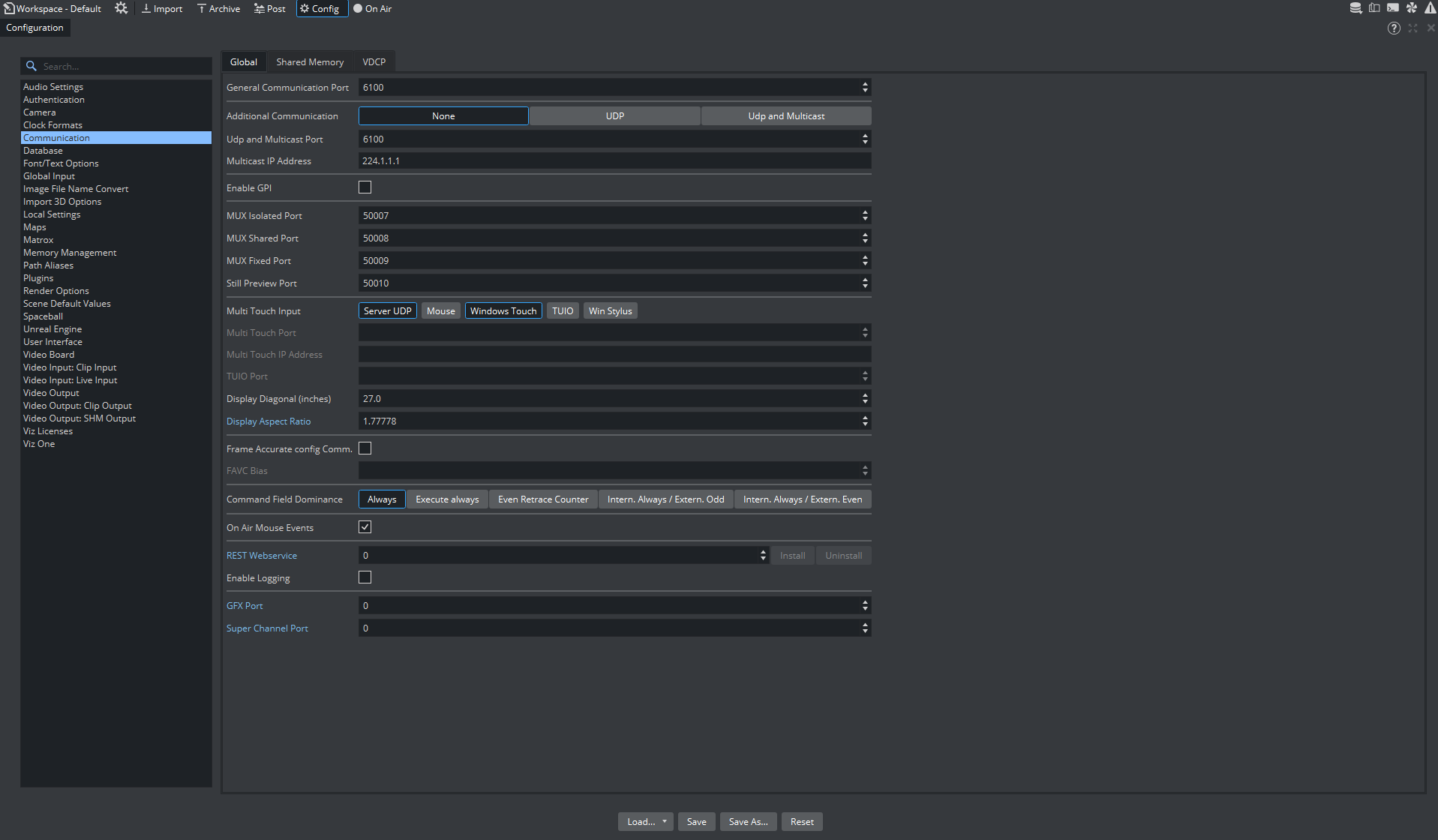
Make sure to remember the General Communication Port. This number is required during the Tool Configuration.
Unreal Engine
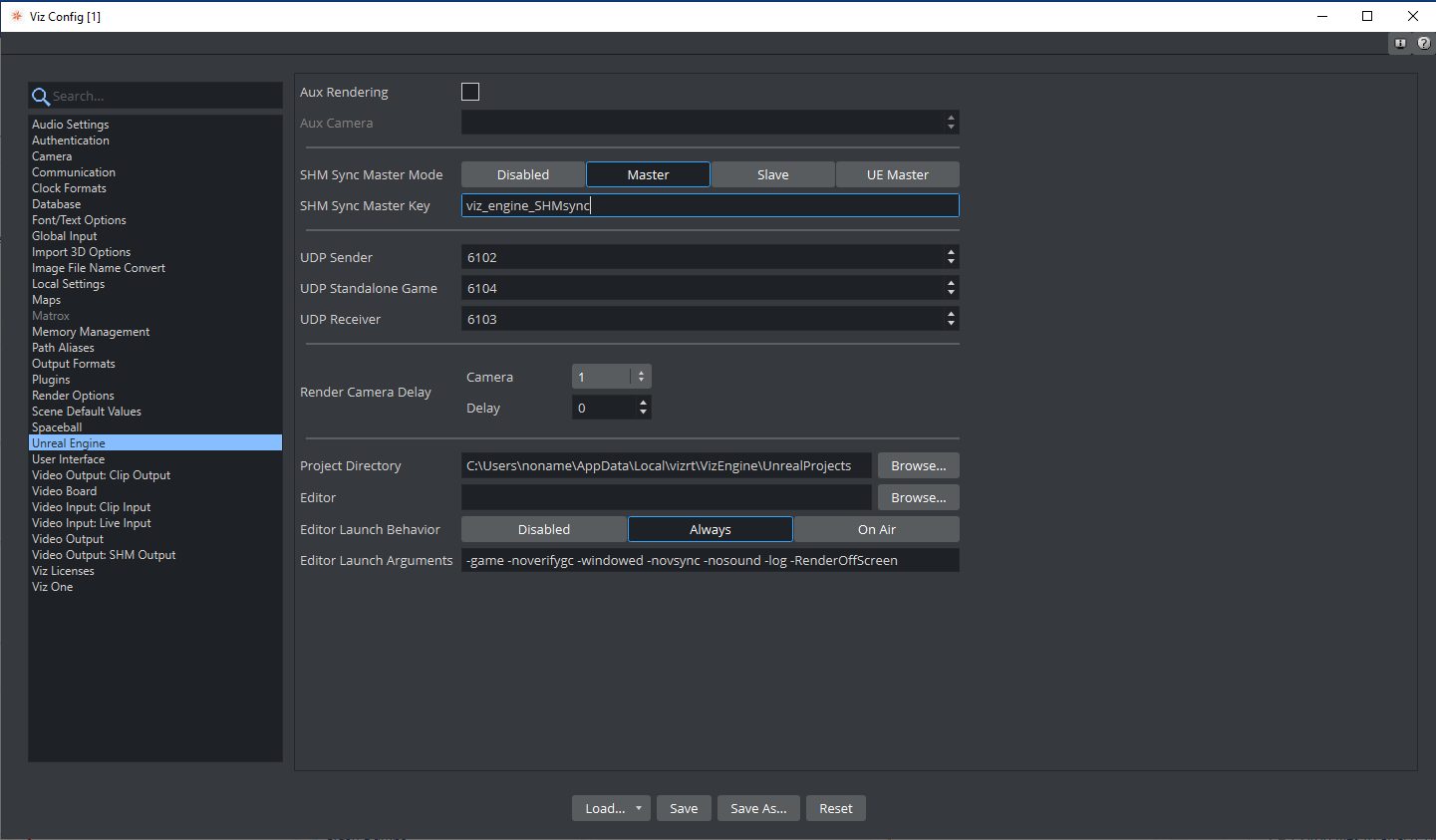
SHM Sync Master Mode
Set to Master.
SHM Sync Master Key
Specify a non-empty name.
Video Input: Live Input
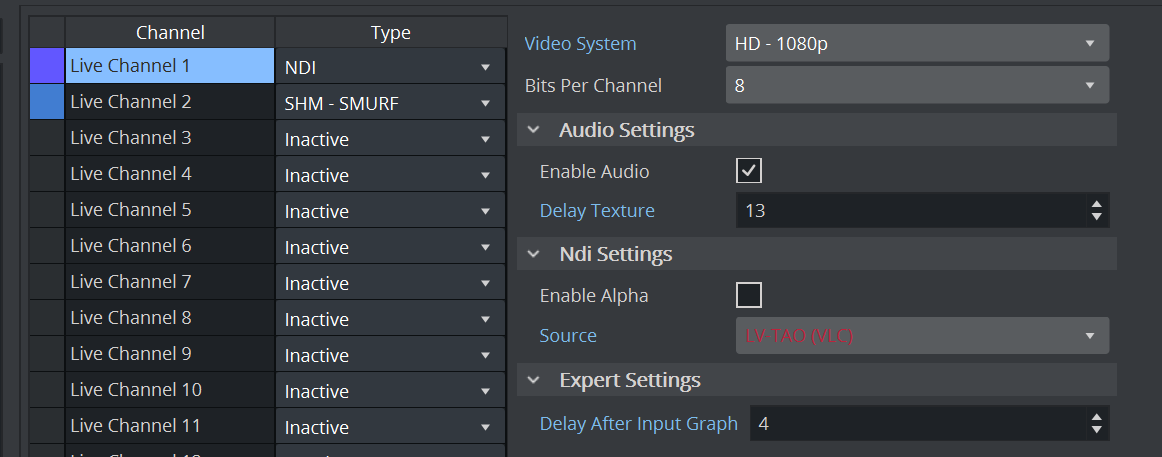
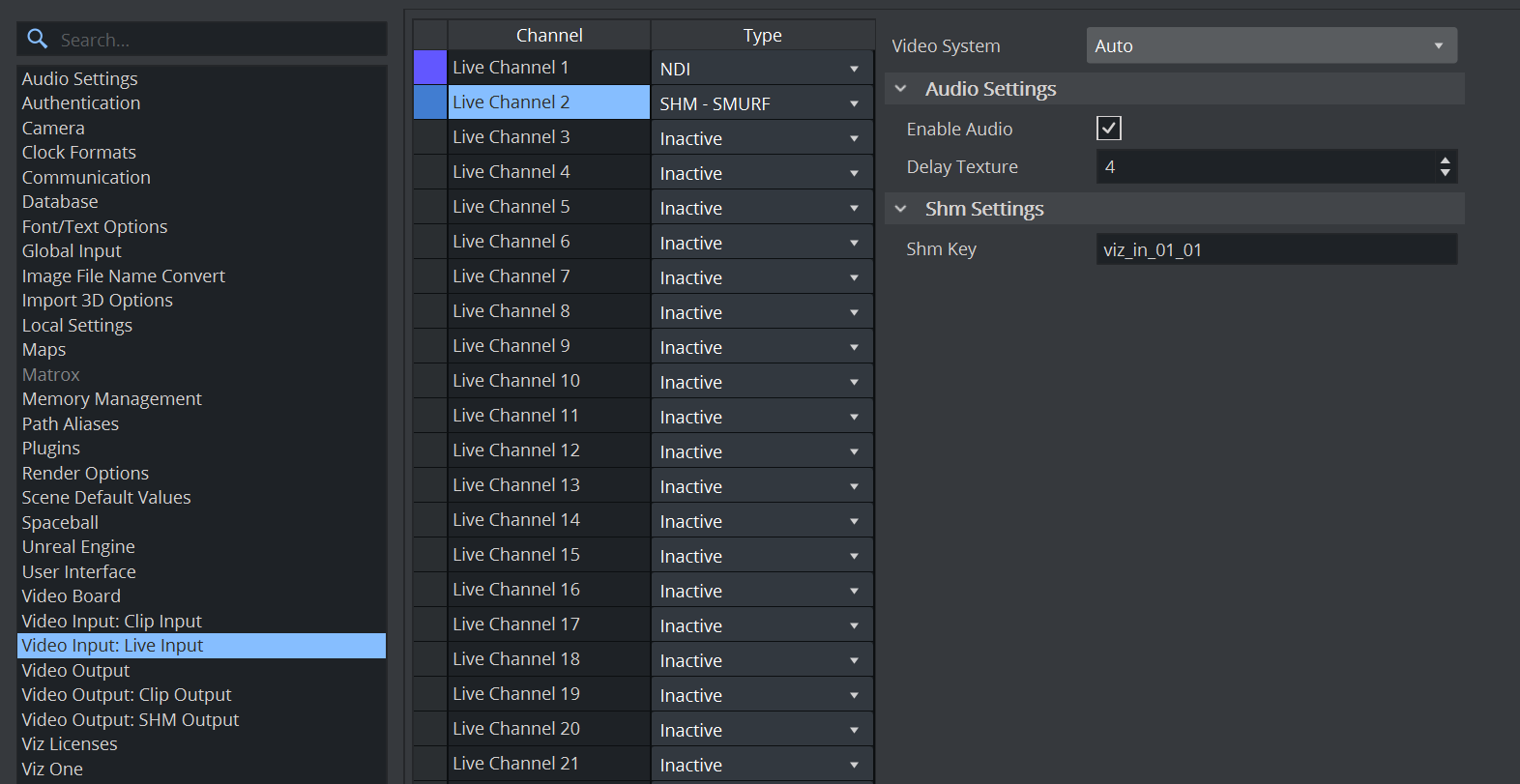
Enable at least one input source, that is the video of which foreground is being keyed. This is the source we configure later to be sent to the Vizrt AI Keyer. Then, enable a Live Channel as SHM-SMURF, which we configure later to contain the keyed result. Remember the Channel numbers for both input configuration. This is required during the Tool Configuration and Scene Design. Below an example with Live 1 as general video input channel and Live 2 as SHM - SMURF containing the keyed foreground signal.
Information: The AI Keyer also supports a Clip Channel as input. The channel receiving the AI Keyer output, however, is always a Live Channel.
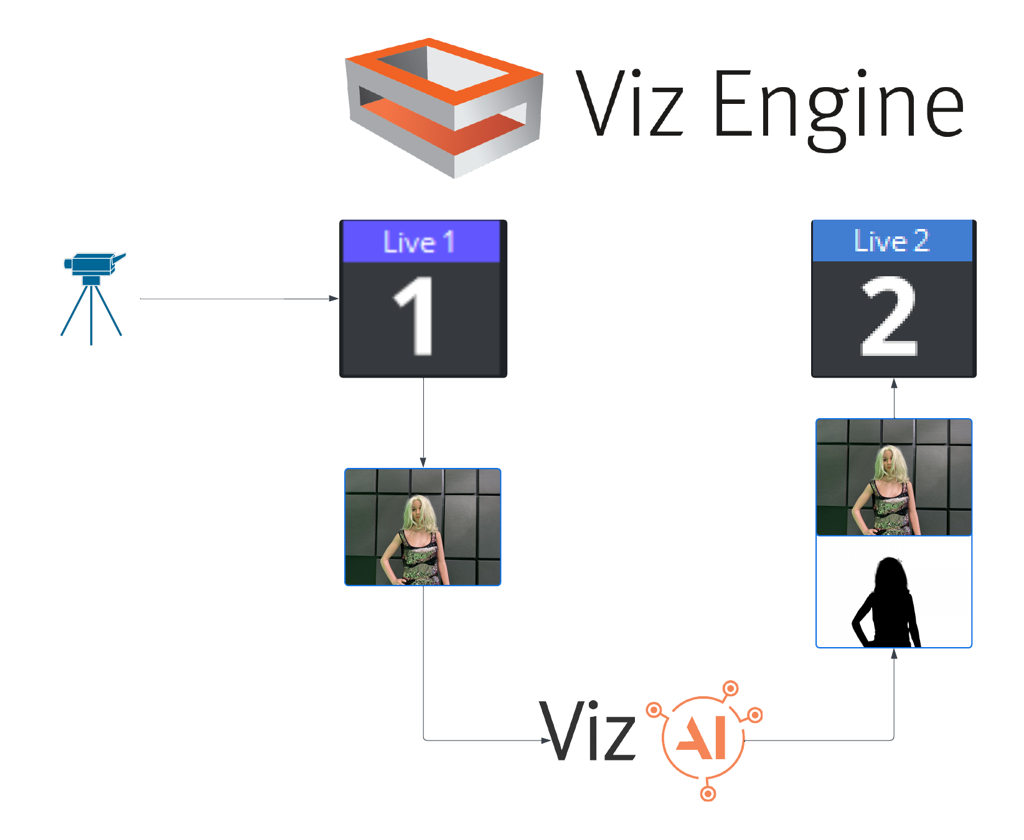
Live Channels can be enabled in the Video Input: Live Input section of the Engine’s Config window:
Texture Delays
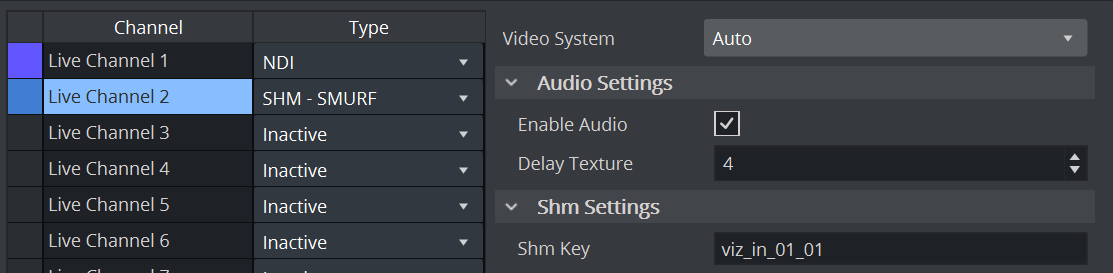
When enabling a Live Channel as SHM-SMURF source, the Delay Texture value is automatically set to 4:
To sync the two inputs, the live input source channel must also be delayed (ideally by the same value) using the Delay After Input Graph option: