The panel lists the controllable fields of the objects currently loaded into the master - what a control application would show to the operator. Values changed here are applied to the rendered master immediately, the same way a control application sends them.
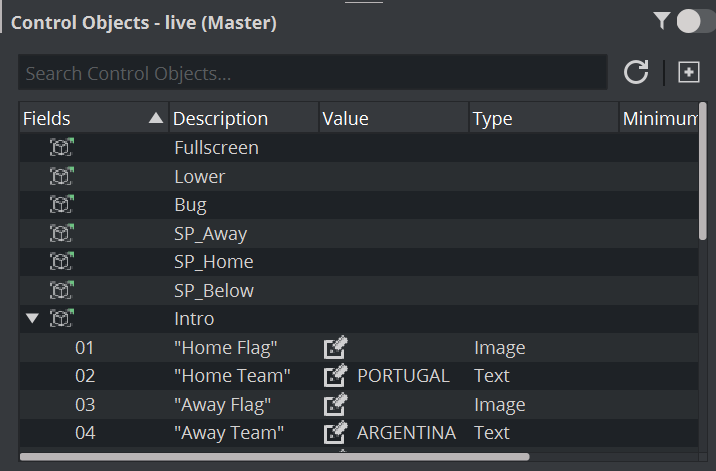
The funnel switch in the panel header decides how much is listed:
Title | Shows | |
|---|---|---|
Control Objects - live (NewsMaster) |  | The fields of everything loaded into the master. This is what you see while the switch is off. |
Control Objects - 1000 |  | Only the fields of the scene you selected or took last in the Scenes pane. This needs the switch to be on. |
With the switch on, the panel follows your selection in the Scenes pane and moves to the scene you take; selecting the master row returns it to the whole master.