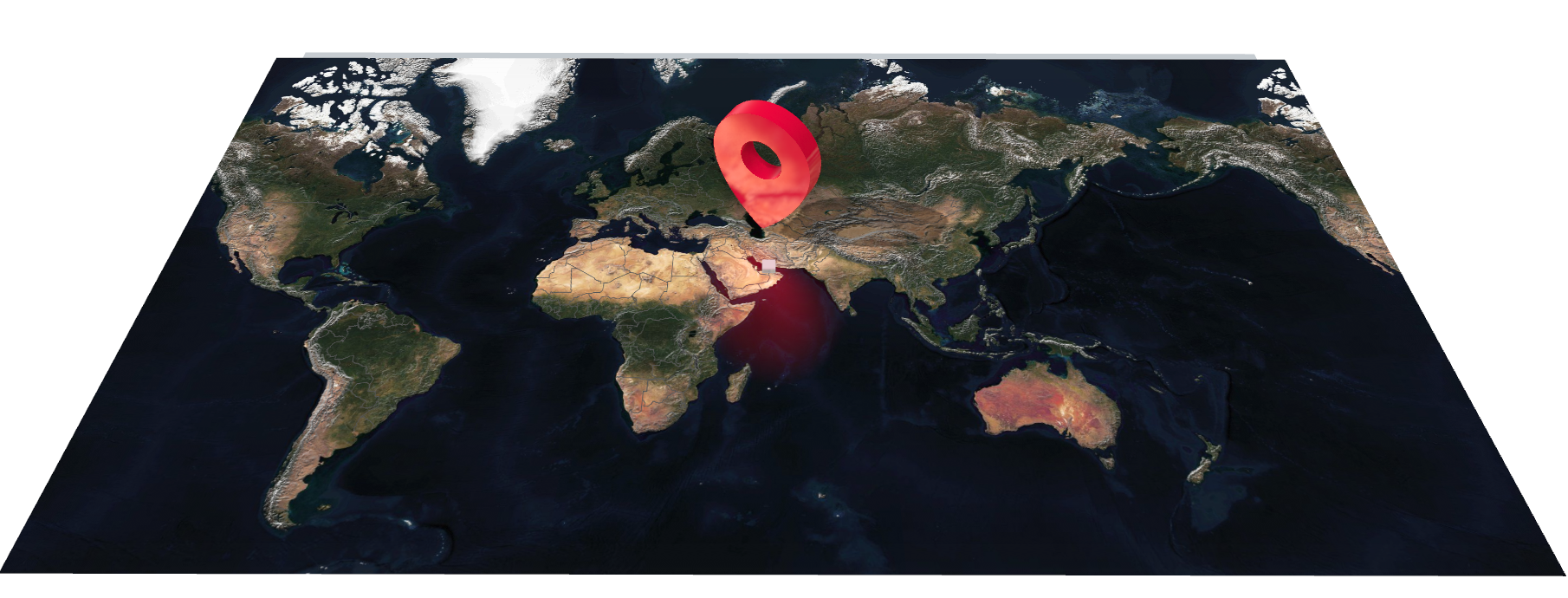
A map in Viz Engine is not a picture you import. Viz Engine comes with a built-in native rendering of detailed Map Tiles and 3d Geometry onto a canvas, integrates tightly in your existing 3D environment, so it lights, composites and animates alongside the rest of your graphics rather than sitting on top of them. Viz Engine 5.6 comes with a new powerful native Maps rendering solution built in. It allows designers to create easy to use, broadcast quality maps scenes.
Anywhere, in one scene - Build the graphic once. A street in Dubai, a coastline in Norway, a stadium in São Paulo — same scene, different coordinates.
Late change? No rebuilding. - The story moves at ten to air. You type a new place name. Nobody rebuilds anything.
It stays where you put it - Pins, labels and shapes belong to a latitude and longitude, not to a spot on the screen. Fly across the world and they hold their ground.
Looks like your channel - A style controls the entire design — imagery, roads, water, labels, type. Change the look of every map you own without opening a single scene.
Rehearse once, hit it every time - Imagery is cached on the machine that plays it out. Fly the move in rehearsal and it goes to air instantly.
Hand it to the operator - A search box instead of a folder of pre-built variants. They type “Reykjavik”; the map is already there.
The Maps Render Engine does a lot more than simply fetching tiles. It also renders borders, streets, rivers, corrects font rendering and many more.
Therefore a map built in the designer will look exactly the same in Viz Engine, in Viz Flowics and other applications.
It is built for performance and offers a lot of “behind the scenes” optimizations.
Note about searching Locations
When searching for certain locations, the results will be the most closest one. However if e.g. a county and a city have the same name, the city will be returned, the county will not show up.
If you are not able to find your location, we recommend to use Nominatim. This lists all entries for a certain name.
Example:
Schwaz is a city in Tyrol, but also the name of one of the counties in Tyrol. Searching for “Schwaz” will only return the city location, not the county.
Nominatim returns all locations found and also lists “Bezirk Schwaz” as the correct search term to get the County and not the City.